Free AI Image to Video Generator – Turn Any Photo into a Stunning Video in Seconds
Transform any static image into a dynamic, cinematic video using the power of AI - no technical skills needed. VideoPlus.ai's free AI Image to Video Generator supports multiple styles, resolutions up to 1080p, and delivers professional-quality results in seconds. No login required. No watermark.
20M
Customers
190 countries
Product of the month

4.9

4.9

20M
Customers
190 countries
Product of the month
4.9
4.9
See What VideoPlus.ai's AI Image to Video Generator Can Create
Whether you're a content creator, marketer, or business owner, VideoPlus.ai lets you upload any image - photos, illustrations, product shots, or artwork - and instantly generate a high-quality video. Choose from cinematic, animated, or artistic styles, and customize resolution, aspect ratio, and duration to fit any platform.
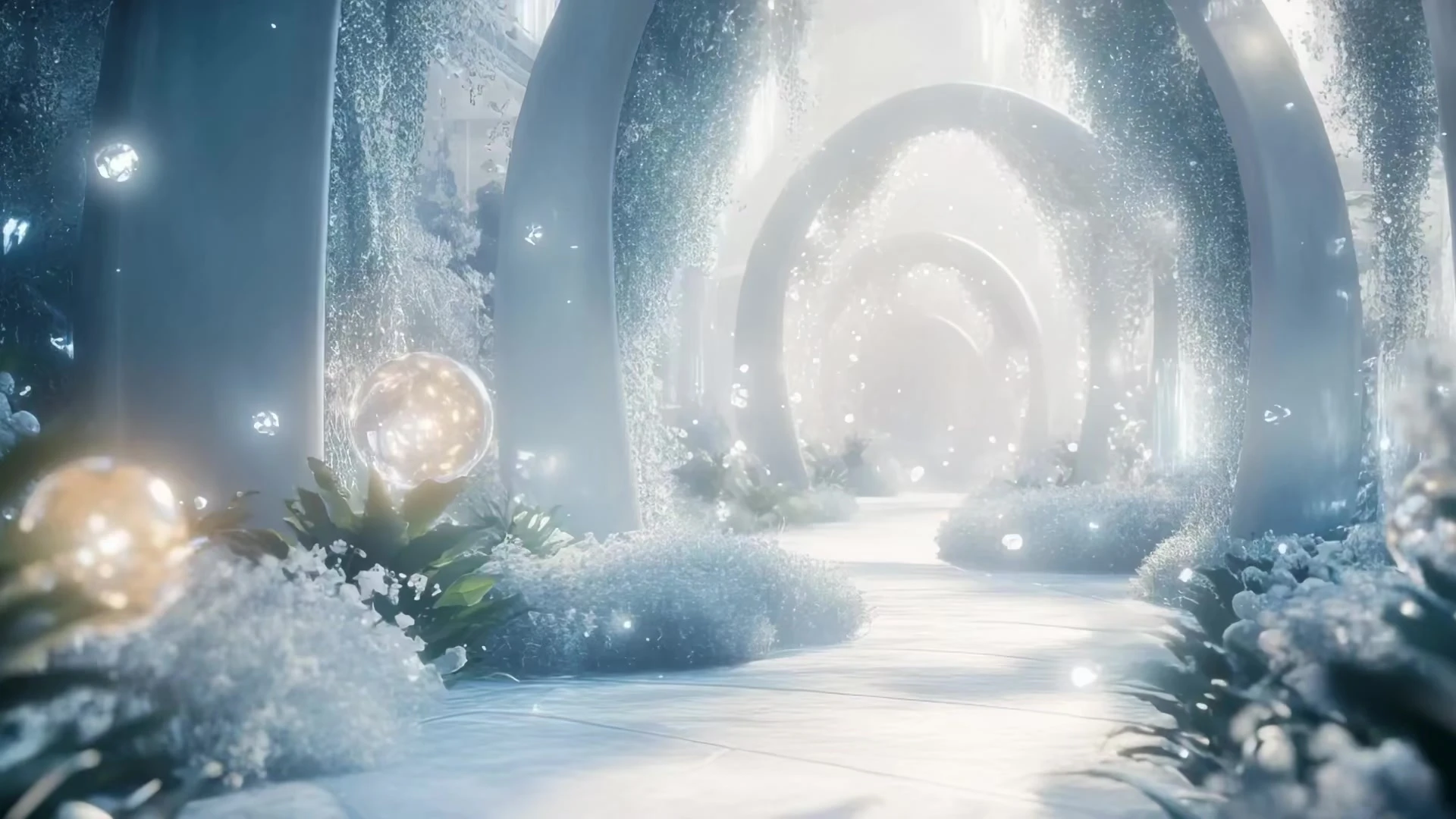
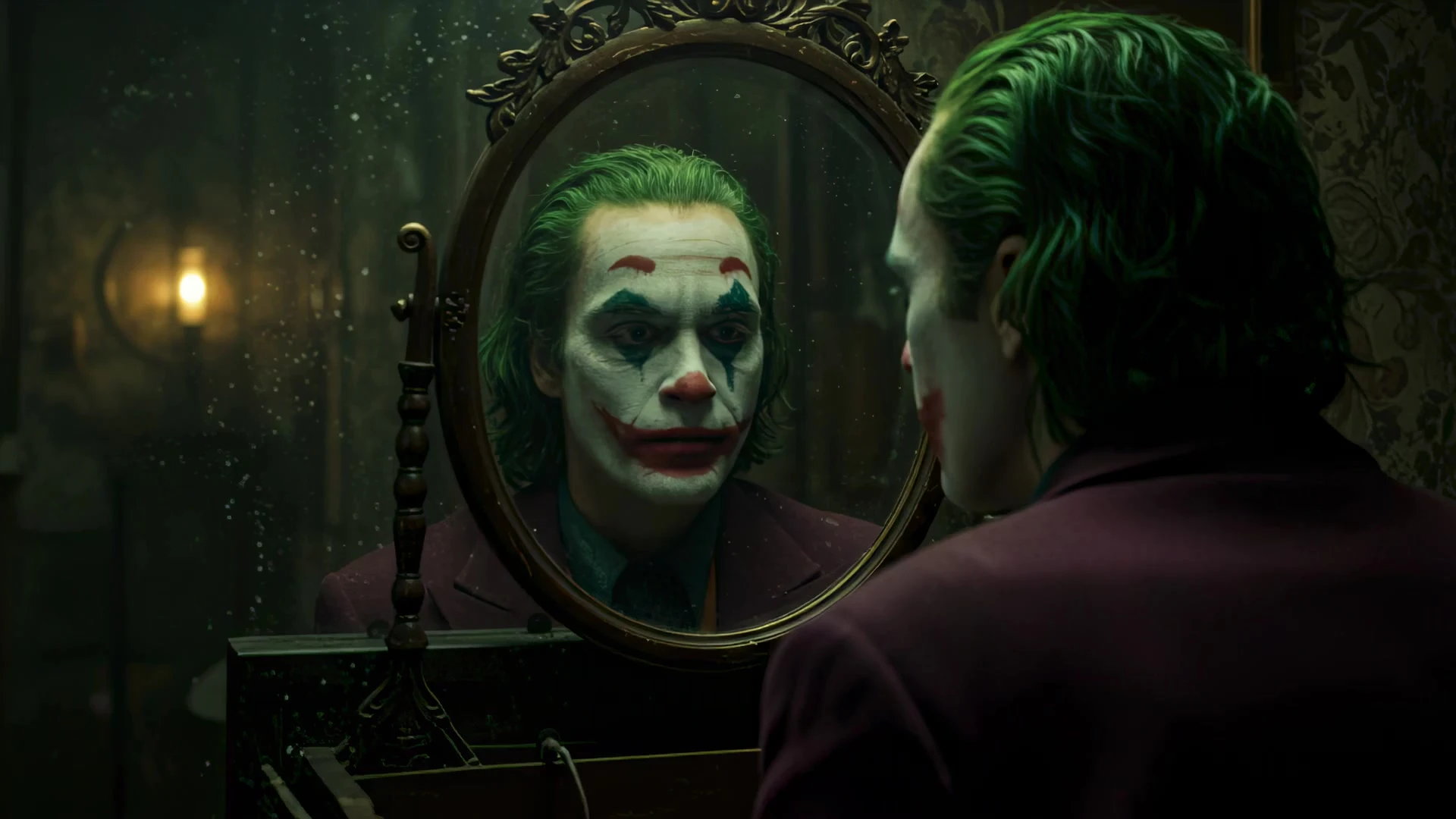
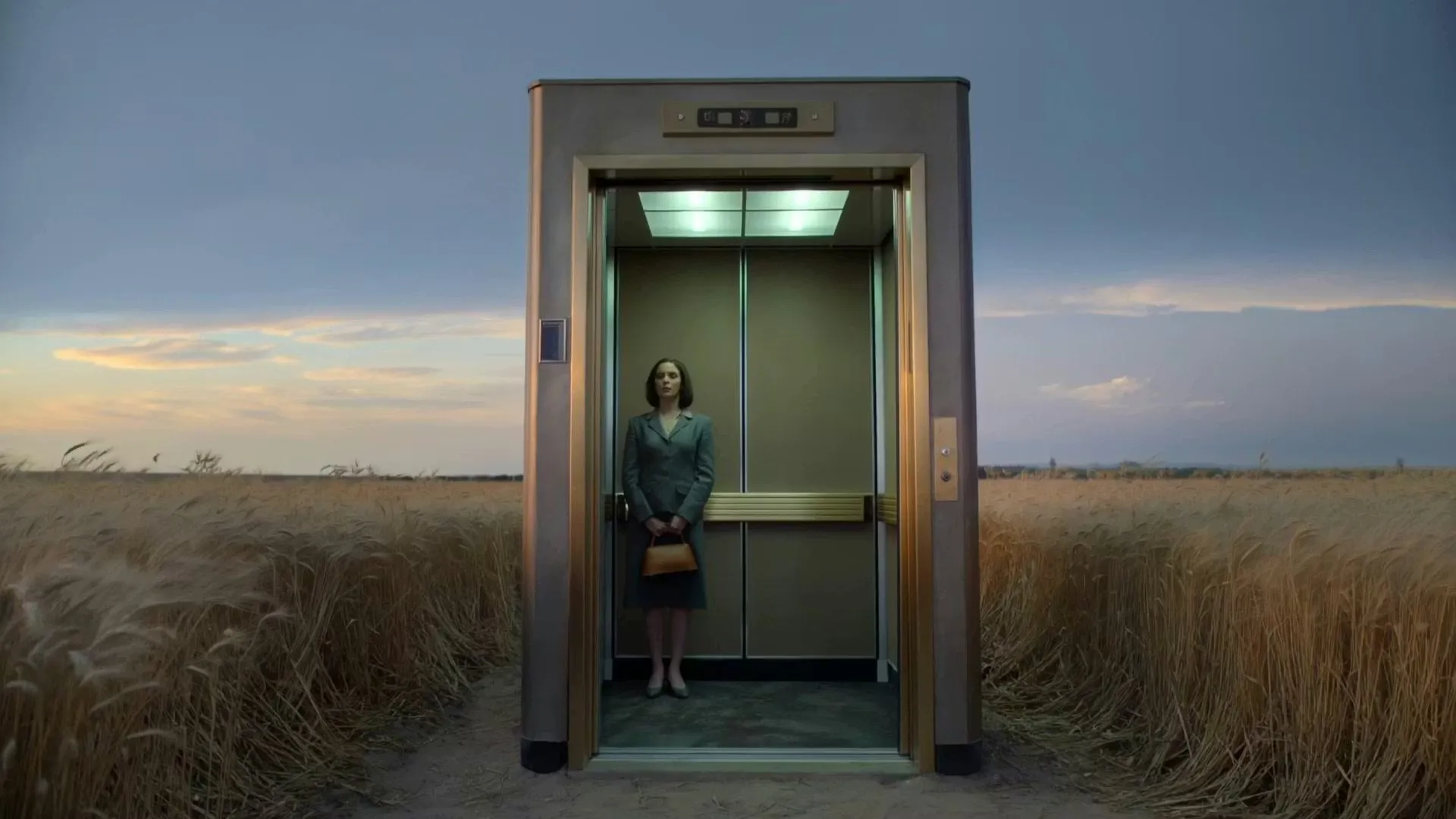
guy smiles with teethguy smiles with teethguy smiles with teethguy smiles with teethguy smiles with teethguy smiles with teethguy smiles with teethguy smiles with teethguy smiles with teethguy smiles with teeth
How to Turn Images into Videos with AI
Quickly create stunning videos by uploading your images with VideoPlus.ai. Perfect for fast, high-quality video creation for any purpose!
1
Upload Your Images
Click "Upload Image" and select any JPG, PNG, or WEBP file from your device. Photos, product shots, illustrations, and portraits all work great.
2
Customize Your Settings
Choose your preferred style, resolution (up to 1080p), duration (5s or 10s), and aspect ratio (16:9 / 9:16 / 1:1) to match your platform and creative vision.
3
Generate, Download & Share
Hit "Generate Video" - your AI video will be ready in seconds. Preview, download watermark-free, and share directly to TikTok, Instagram, or YouTube.
Who Can Benefit from AI Image to Video Generation?
From social media creators to Fortune 500 marketers, VideoPlus.ai's AI Image to Video tool empowers anyone to produce scroll-stopping video content – without a camera, crew, or editing software. Here are the most popular use cases:
Explore More AI Video Generator with VideoPlus.ai
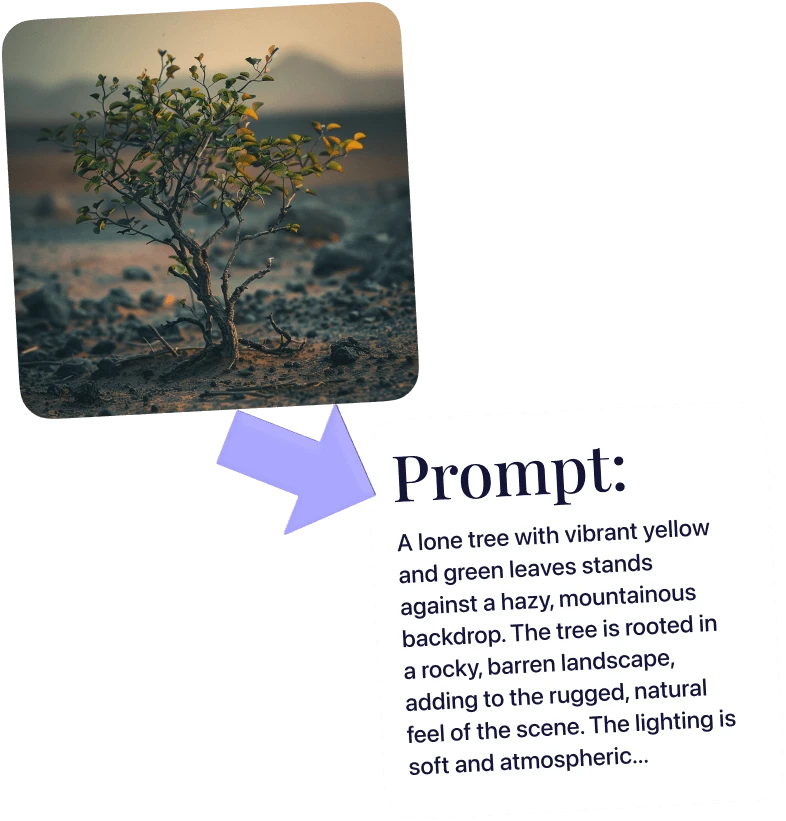
Frequently Asked Questions – AI Image to Video Generator

Start Creating AI Videos from Images for Free Today
Join over 1,000,000 creators worldwide who use VideoPlus.ai to generate stunning AI videos from images. With 230+ effects, 100+ scene styles, and zero learning curve — there's no better time to start. No sign-up needed, no watermark, no limits.