GIF Watermark Remover
Upload an image or drag and drop file here
We support JPG, PNG and WEBP formats, maximum file size 10 MB.

Free AI GIF Watermark Remover Online (No Login) - VideoPlus.ai
Use our powerful GIF watermark remover to easily erase unwanted watermarks from any GIF. Try our AI GIF watermark remover for fast, high-quality, hassle-free results in seconds.
2.3M
Image Processed
1.6M
Happy Users
10K
Brands Trust & Like
Why does AI GIF Watermark Remover Impress You?

Enhance Visual Appeal
Using a GIF watermark remover helps make your images or videos look cleaner and more professional - ideal for personal projects, presentations, or commercial use.

Enable Content Reuse
When you remove watermark from GIF files, it’s easier to repurpose existing materials without distractions, making content creation or brand integration more seamless.

Save Time and Cost
Compared to manual editing or purchasing unwatermarked versions, an AI GIF watermark remover offers a fast, efficient solution - perfect for users handling large batches.
Discovery of GIF Watermark Remover Using AI
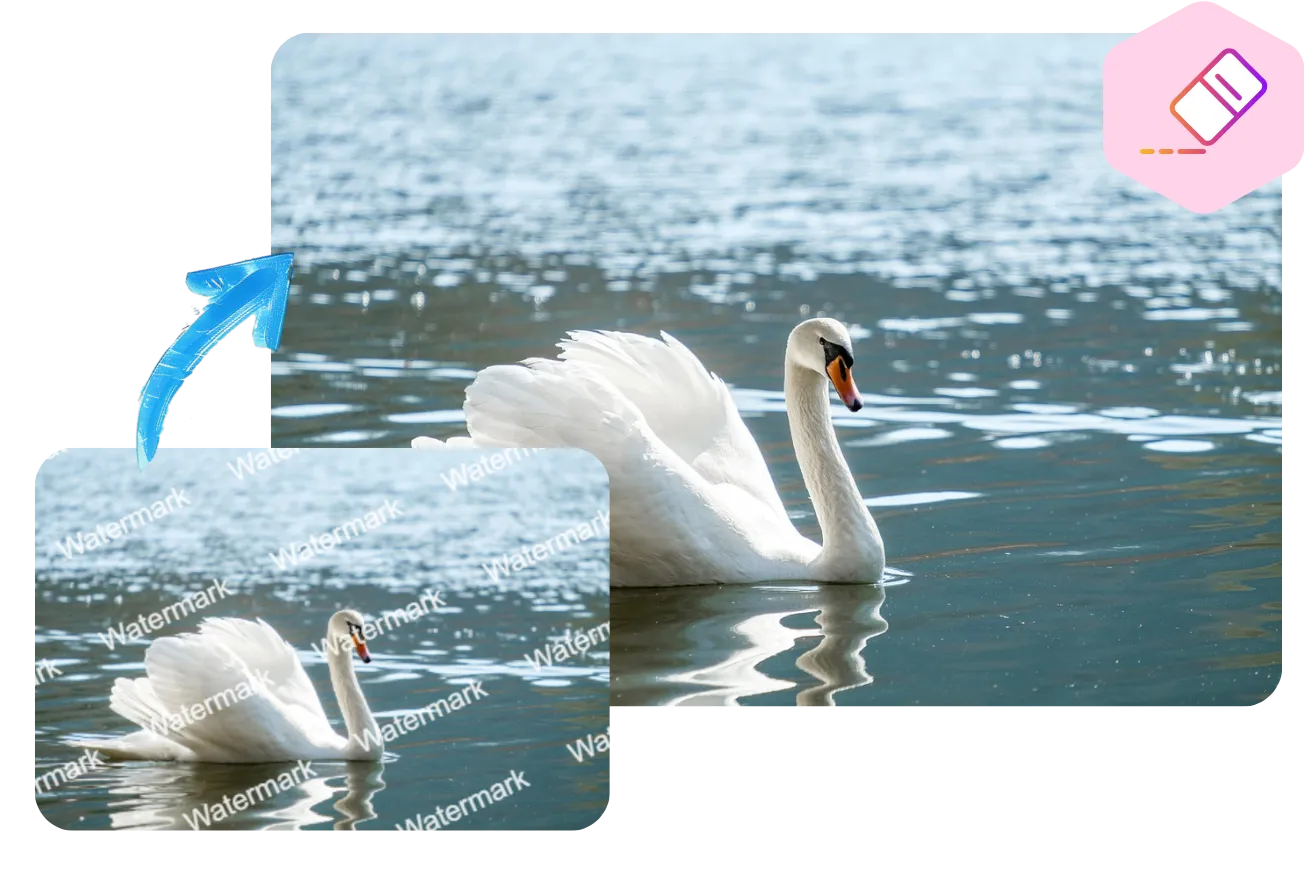
Smart Multi-Type Watermark Removal
GIF watermark remover can intelligently detect and remove various complex watermarks, including text, logos, and dynamic overlays from videos like TikTok or YouTube. It even handles transparent or multi-layer watermarks embedded in images, making it easy to remove watermark from GIF files with precision.
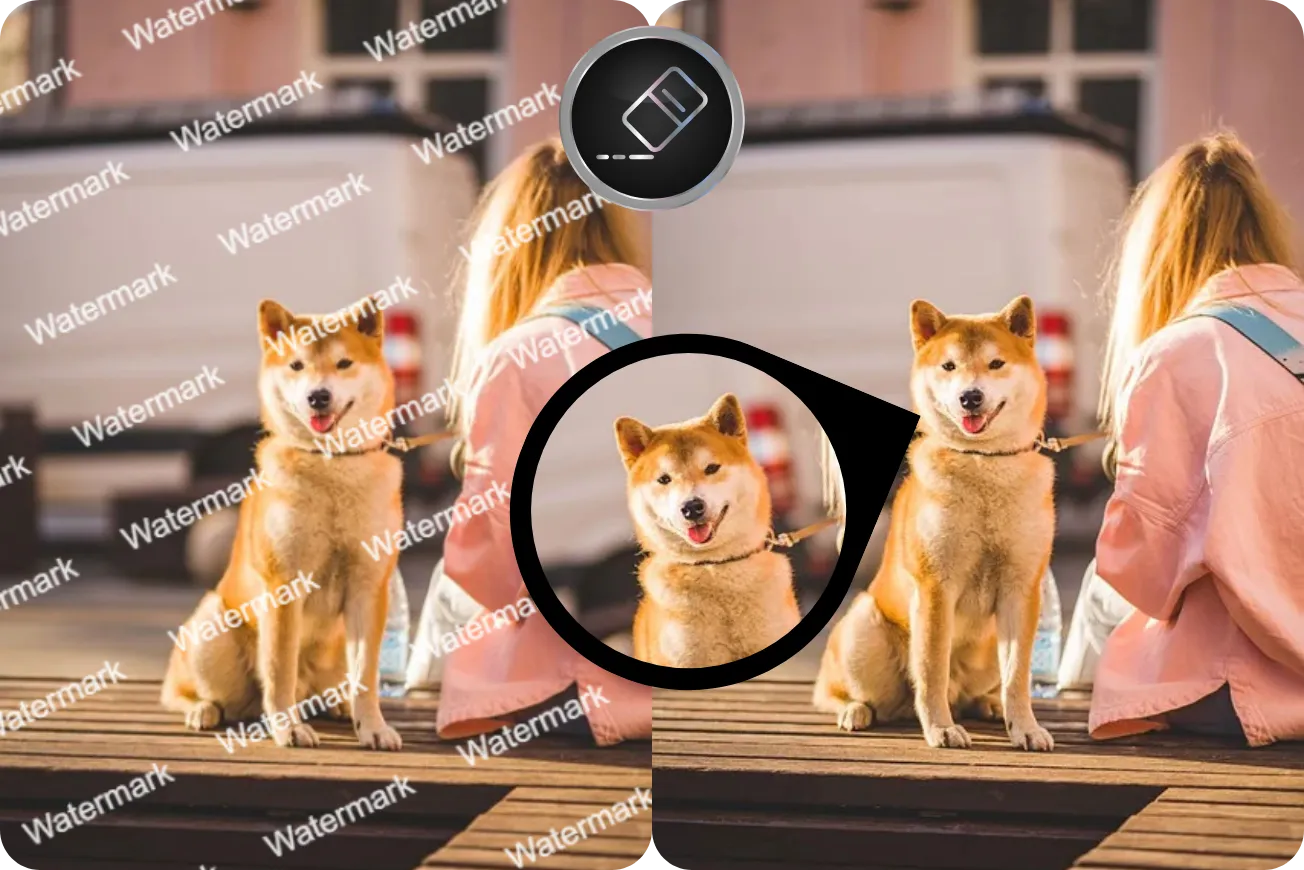
Advanced Image Enhancement
After watermark removal, AI GIF watermark remover automatically enhances image quality. It sharpens blurred areas, adjusts lighting and color, and offers high-resolution output options. Whether you're editing personal content or marketing visuals, you can ensure your images look clean, clear, and professionally refined.
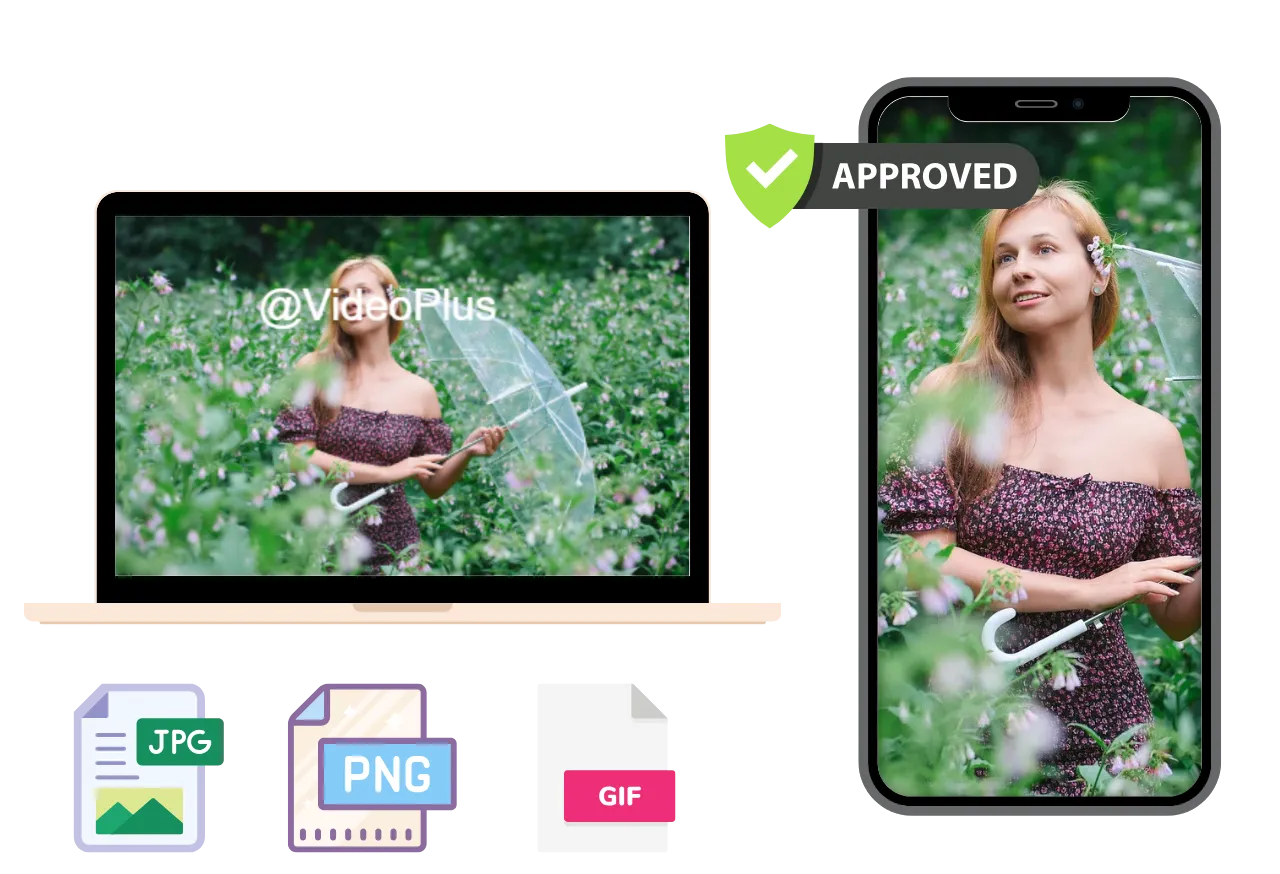
Cross-Platform & Multi-Format Support
GIF watermark remover supports various file formats including JPG, PNG, MP4, and MOV. It works seamlessly across devices without requiring extra downloads, making it easy to remove watermark from GIF files anytime, anywhere with maximum flexibility.
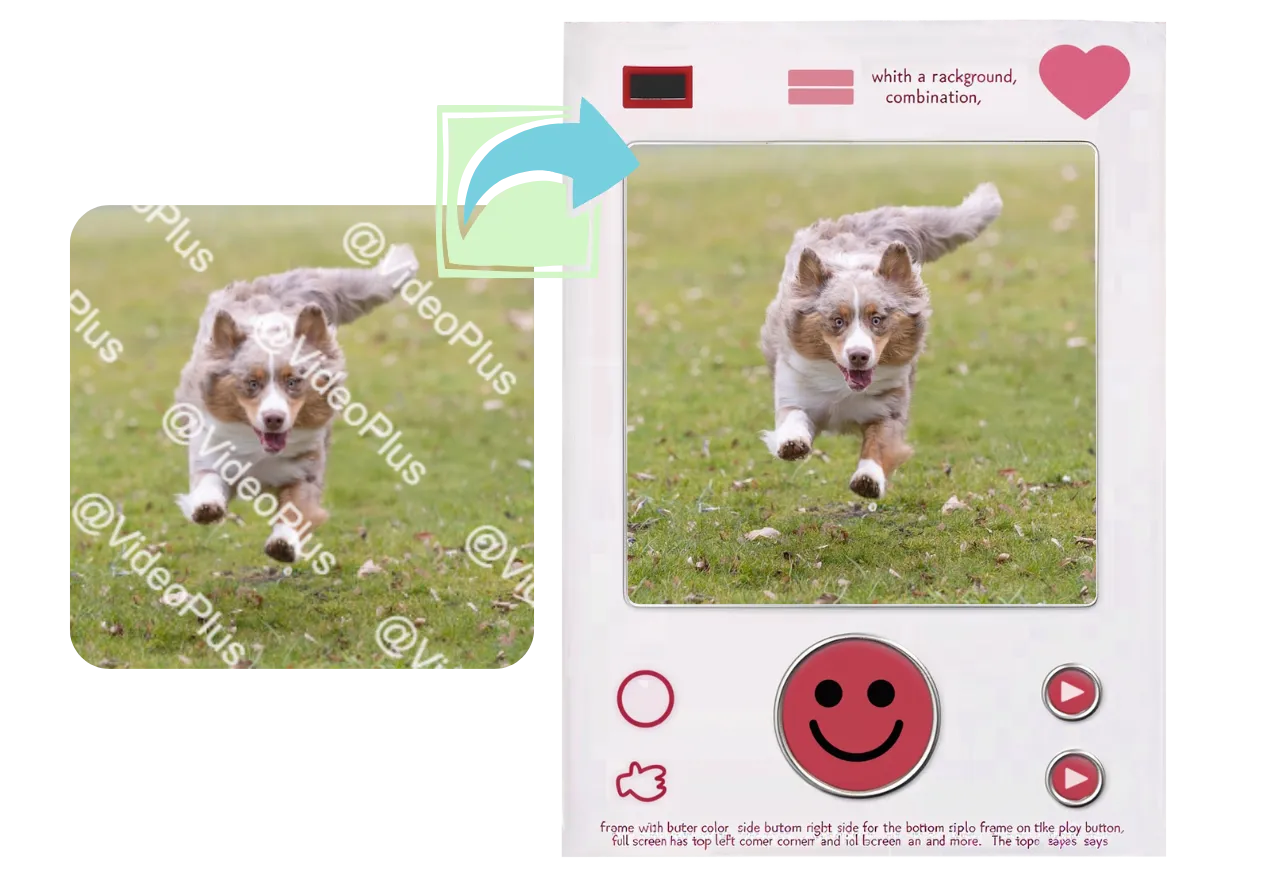
One-Click Export & Social Media Integration
Once you've used AI GIF watermark remover, export your content directly to platforms like Instagram, YouTube, Google Drive, or Dropbox. You can also customize export settings such as resolution and file format, ensuring your watermark-free content is ready for immediate sharing or storage.
How to Remove Watermark from GIF with AI on VideoPlus.ai??
1. Upload Watermarked GIF
Upload your GIF file to GIF watermark remover tool. No sign-up needed - just drag and drop to get started instantly.
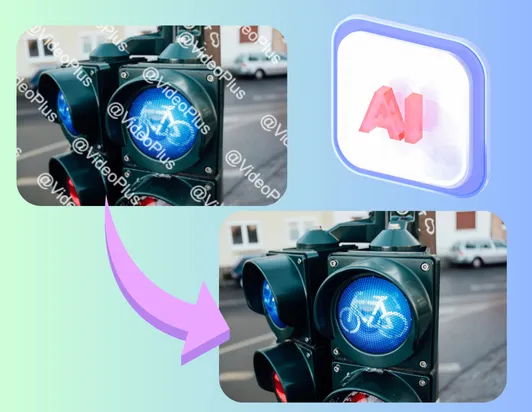
2. Remove Watermark from GIF with AI
Let the AI GIF watermark remover automatically detect and remove watermark from GIF with precision, even for complex or transparent overlays.
3. Download & Share
Download your clean GIF in seconds. Instantly share it to social media or cloud platforms - no watermark, no hassle.
GIF Watermark Remover Clean Visuals for Presentations
Use our AI GIF watermark remover to instantly remove watermark from GIFs. Perfect for presentations, branding, and social media - clean, high-quality visuals in seconds.
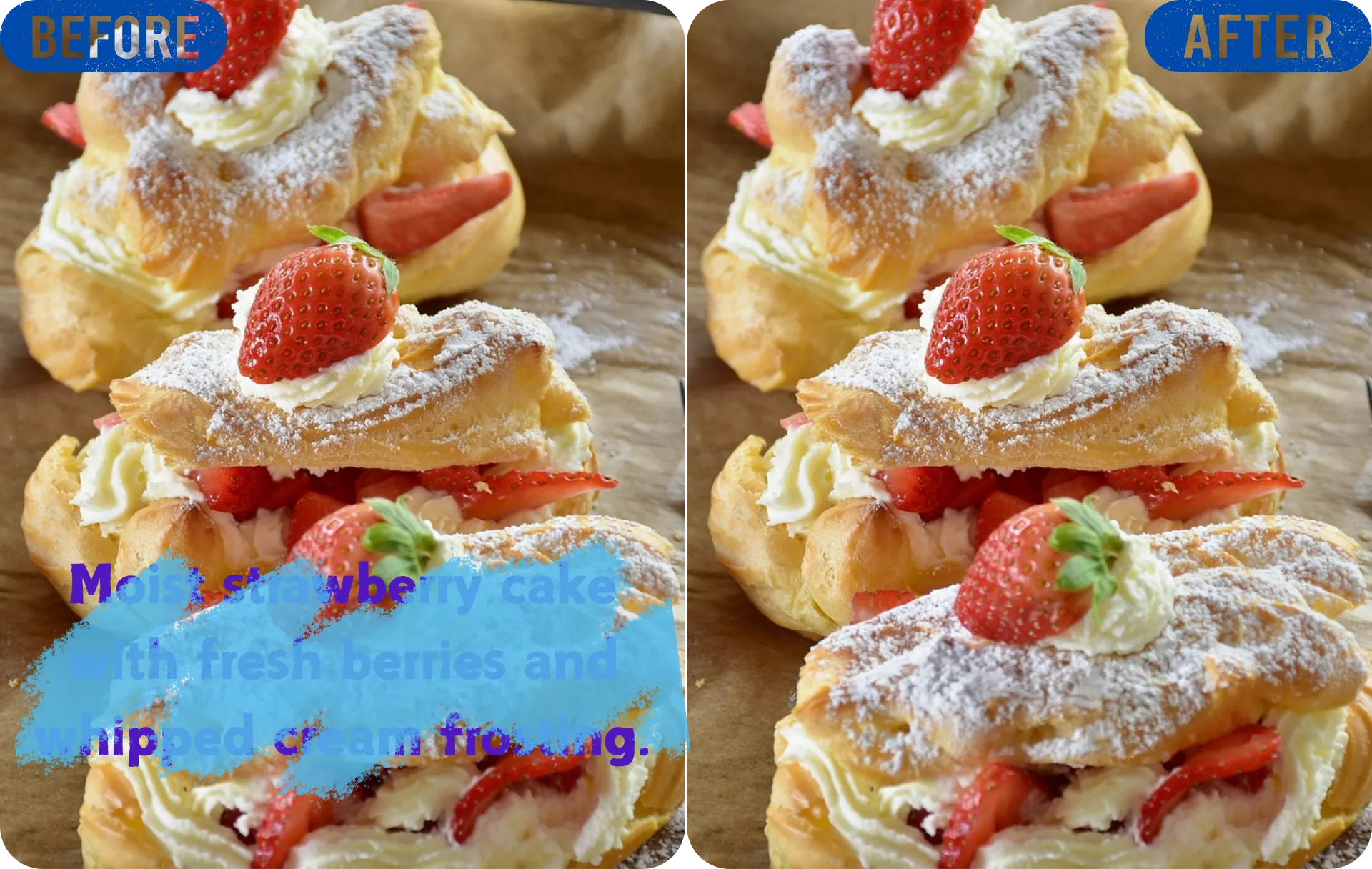
Explore More AI Tools with VideoPlus

AI GIF Watermark Remover FAQs

Ready to Try Our AI GIF Watermark Remover?
Join over 1M+ users and start creating Al videos today with 230+ effects and support for 100+ scenes. Experience the versatility of VideoPlus.ai.
Unlock limitless creativity with a cutting-edge
AI tool designed for innovation and growth | VideoPlus.AI