Upload Video
Upload video or drag and drop file here
We support MP4, MOV and WEBM formats, maximum file size 20 MB.
Specifications
Loading...
Free 4K AI Video Enhancer Online (No Login, No Watermark) - VideoPlus.ai
Boost video quality with our AI-powered video enhancer. Enhance clarity, sharpness, and overall quality in seconds. Try the ultimate video quality booster now!
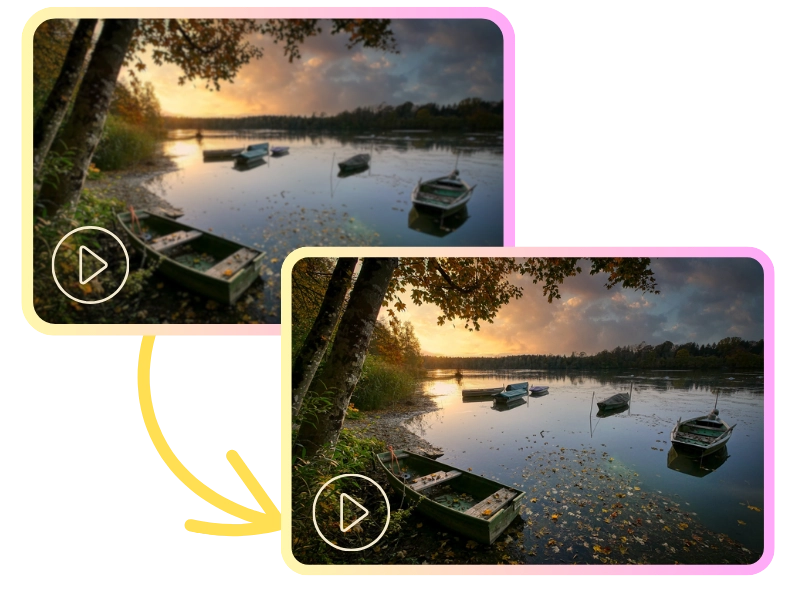
Resolution Upscaling with AI Video Enhancer
Use AI or super-resolution technology to upscale low-resolution videos (e.g., 480p) to HD (e.g., 1080p or 4K), enhancing details and clarity. This video quality booster is perfect for restoring old videos or improving low-quality footage, giving you an effortless upgrade in visual quality.

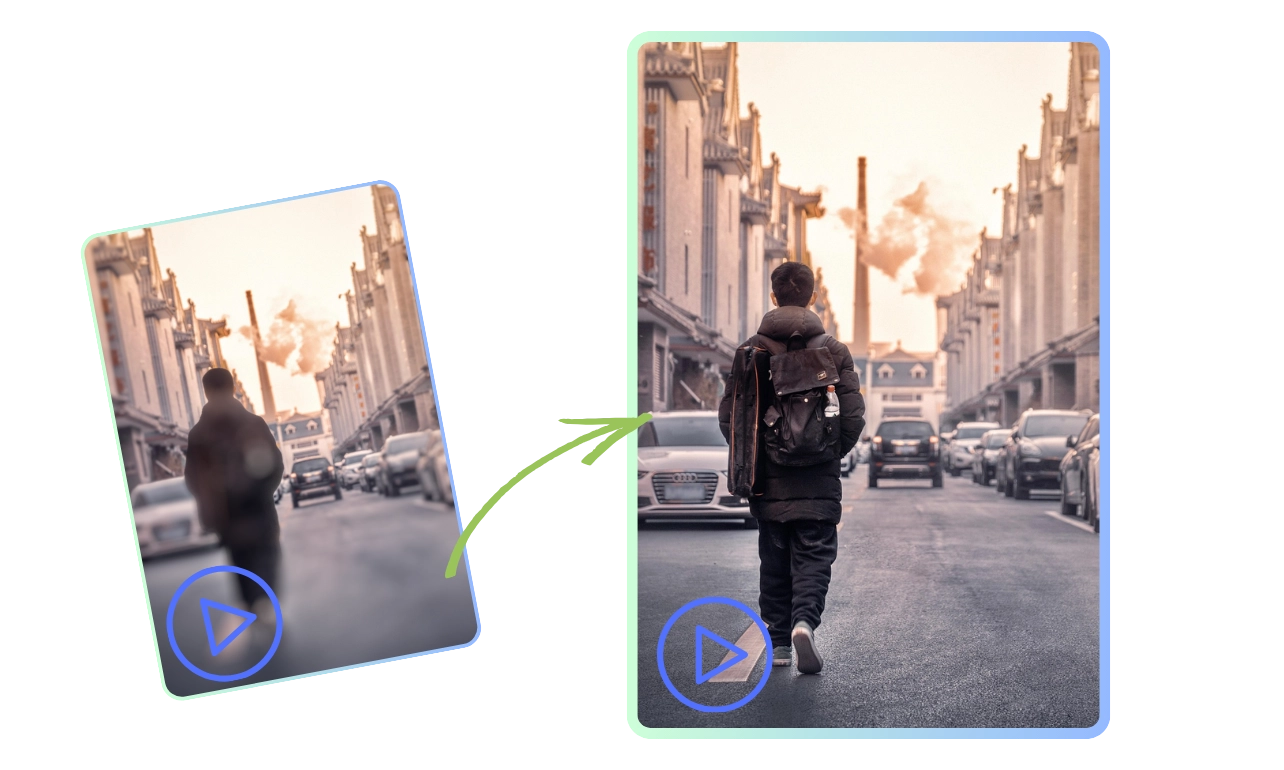
Image Enhancement for Superior Video Quality
Automatically adjust brightness, contrast, and saturation, sharpen images, and remove blur to enhance video clarity. This video quality enhancer is ideal for videos with poor lighting or aging footage, ensuring your visuals are vibrant, clear, and eye-catching.
Denoising for Clean and Clear Videos
Utilize AI algorithms or filters to remove noise (e.g., graininess) from videos, improving overall visual cleanliness. Perfect for night shoots or low-quality recordings, this video enhancer ensures your footage remains clear, free from distractions, and ready for professional use.
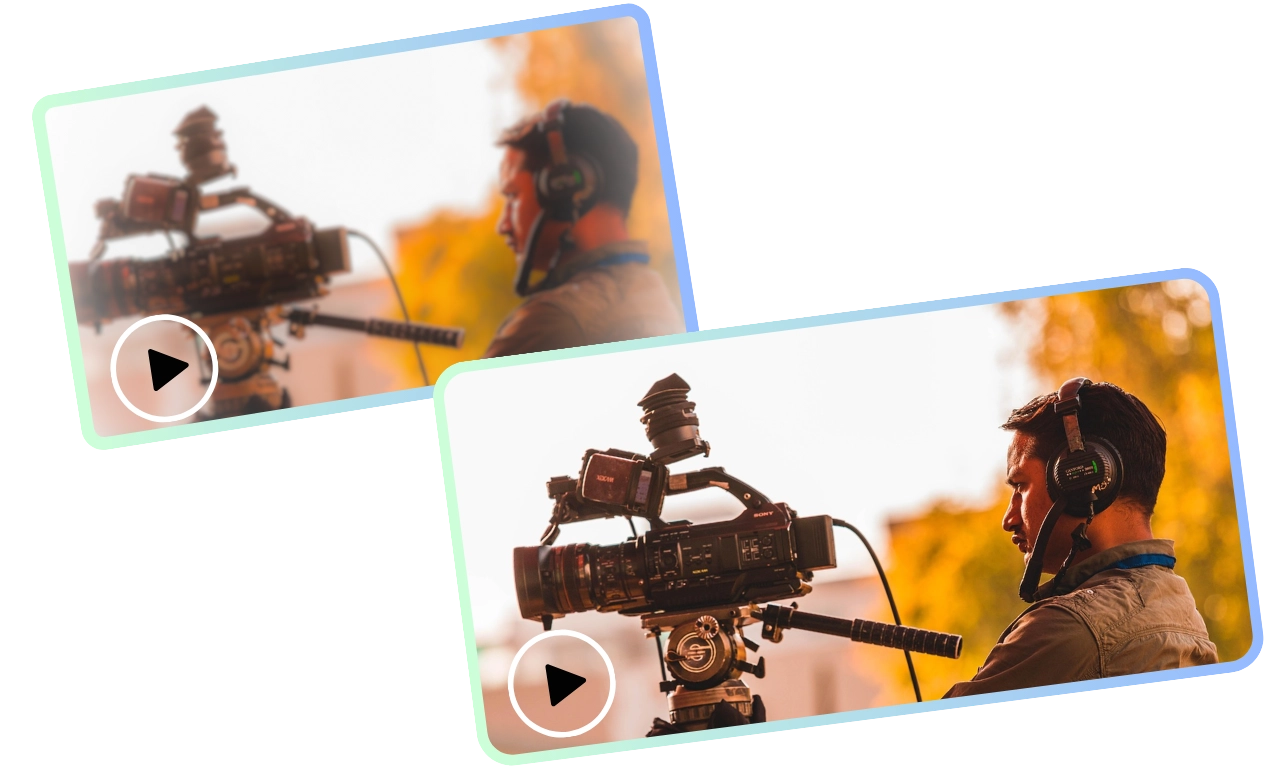
De-mosaicing & Stabilization with AI Video Enhancer
Reduce mosaic effects or correct shaky footage to smooth out playback, enhancing the viewing experience. Ideal for surveillance or action videos, this video quality booster stabilizes and clarifies your footage for a smoother, more polished result.

How to enhance your video quality?
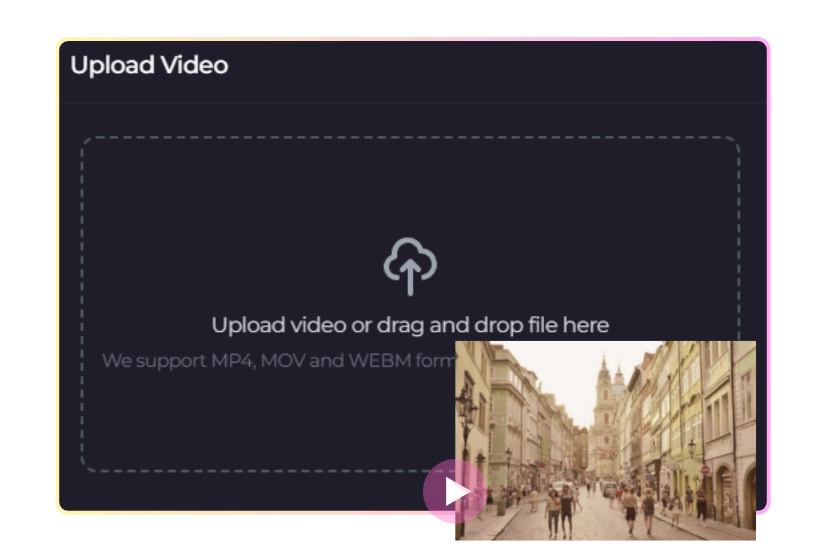
1. Upload Your Video
Easily upload your video to our platform. Whether it's low-resolution or older footage, our video enhancer will help improve its quality. Get ready to enhance your video with just a few clicks.
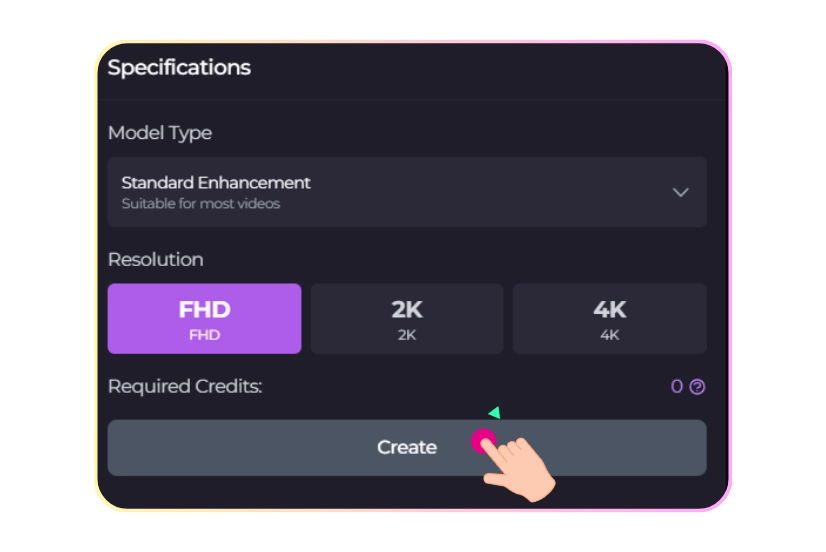
2. Select Model Type & Resolution
Choose the model and resolution that suits your needs. Our video quality booster offers options like HD and 4K, ensuring your video is upscaled and enhanced for the best quality possible.
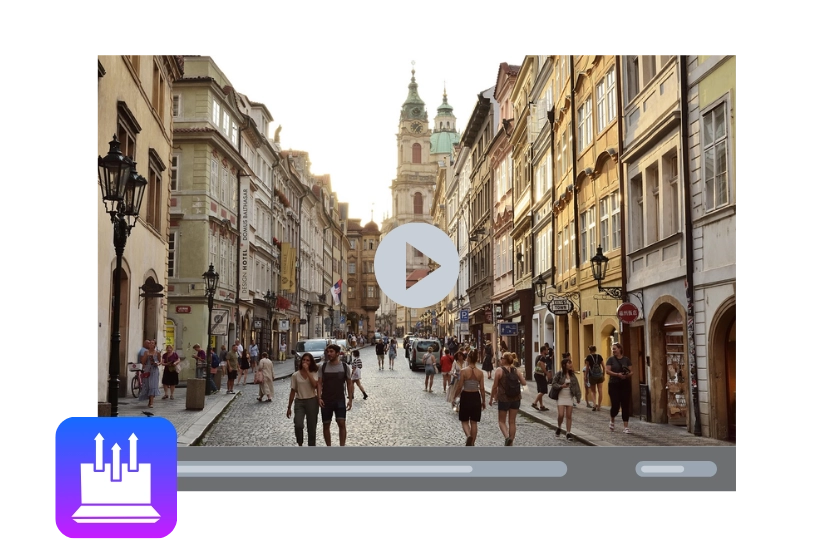
3. Create & Download Enhanced Video
Click "Create" to process and enhance your video. Once complete, download your upgraded video with improved sharpness, clarity, and resolution using our powerful video quality enhancer.
Millions of Creators Use VideoPLus.ai to Enhance Video Quality

Professional Video Editors and Producers
Enhance low-quality footage to 2K/4K, repairing noise, blur, and shake. Meet high standards for movies, TV, or streaming with our video quality enhancer.

Content Creators
Boost mobile or low-end device videos with our video enhancer. Improve resolution, color, and clarity to create more engaging, professional content for social platforms.

Historical Footage Restorers
Restore and enhance old tapes or low-res videos with our video quality booster, preserving and improving visual quality for archival or sharing purposes.

Gamers and Streamers
Enhance game recordings or streams with our video enhancer. Sharpen details and optimize low-quality footage, providing a better experience for viewers.

Education and Corporate Trainers
Improve the clarity and professionalism of online courses, training videos, and meeting recordings with our video quality booster, ensuring sharp, impactful content.
Why Choose VideoPlus.ai's AI Video Enhancer

AI-Powered Precision
Leverage advanced AI technology with our video enhancer to effortlessly enhance your video’s resolution, clarity, and quality. Our video quality booster sharpens and refines footage for stunning, professional results.

Easy to Use
With a simple, user-friendly interface, VideoPlus.ai’s video quality enhancer lets you easily upload, enhance, and download your videos. No technical skills needed - just powerful results with minimal effort.

High-Resolution Upscaling
Transform low-quality videos (e.g., 480p or 720p) into high-definition masterpieces (1080p, 2K, 4K) using our video enhancer. Perfect for content creators, professionals, and collectors looking to enhance their video quality.

Optimized for All Content Types
Whether enhancing gaming footage, historical videos, or social media content, our video quality enhancer improves all video types, ensuring sharper details and vibrant colors. Boost your videos with the ultimate video quality booster.
Used and loved by many professionals

John Miller
Professional Video Editor (Male)
I’ve used several video enhancers, but VideoPlus.ai is by far the best! The AI technology truly works wonders, transforming my low-res videos into stunning 4K quality. Highly recommend this video quality booster!

Sarah Adams
YouTuber (Female)
Fantastic tool! It’s incredibly easy to use and delivers impressive results. My videos look clearer, sharper, and more vibrant. A game changer for content creators like me, thanks to the video quality enhancer!

David Lee
Freelance Video Editor (Male)
As a professional video editor, I’m always looking for reliable enhancement tools, and VideoPlus.ai exceeded my expectations. The noise reduction and upscaling features are excellent, making it the ultimate video quality booster!

Emma Richards
History Archivist (Female)
VideoPlus.ai made my old family videos look brand new! It restored the clarity and detail I thought was lost forever. This AI-powered video enhancer is a game changer for video restoration!

Chris Johnson
Professional Gamer (Male)
I use this for gaming streams and the results are amazing. My stream quality has improved drastically - sharper details, better colors, and smoother playback. This video enhancer is worth every penny!

Maria Thompson
Corporate Trainer (Female)
A must-have for anyone creating online courses or training videos! The quality boost is instant, and the videos look so much more professional now, thanks to this video quality enhancer!
Explore More AI Tools with VideoPlus
AI Video Enhancer FAQs

Ready to Try Our AI Video Enhancer?
Join over 1M+ users and start creating Al videos today with 230+ effects and support for 100+ scenes. Experience the versatility of VideoPlus.ai.
Unlock limitless creativity with a cutting-edge
AI tool designed for innovation and growth | VideoPlus.AI