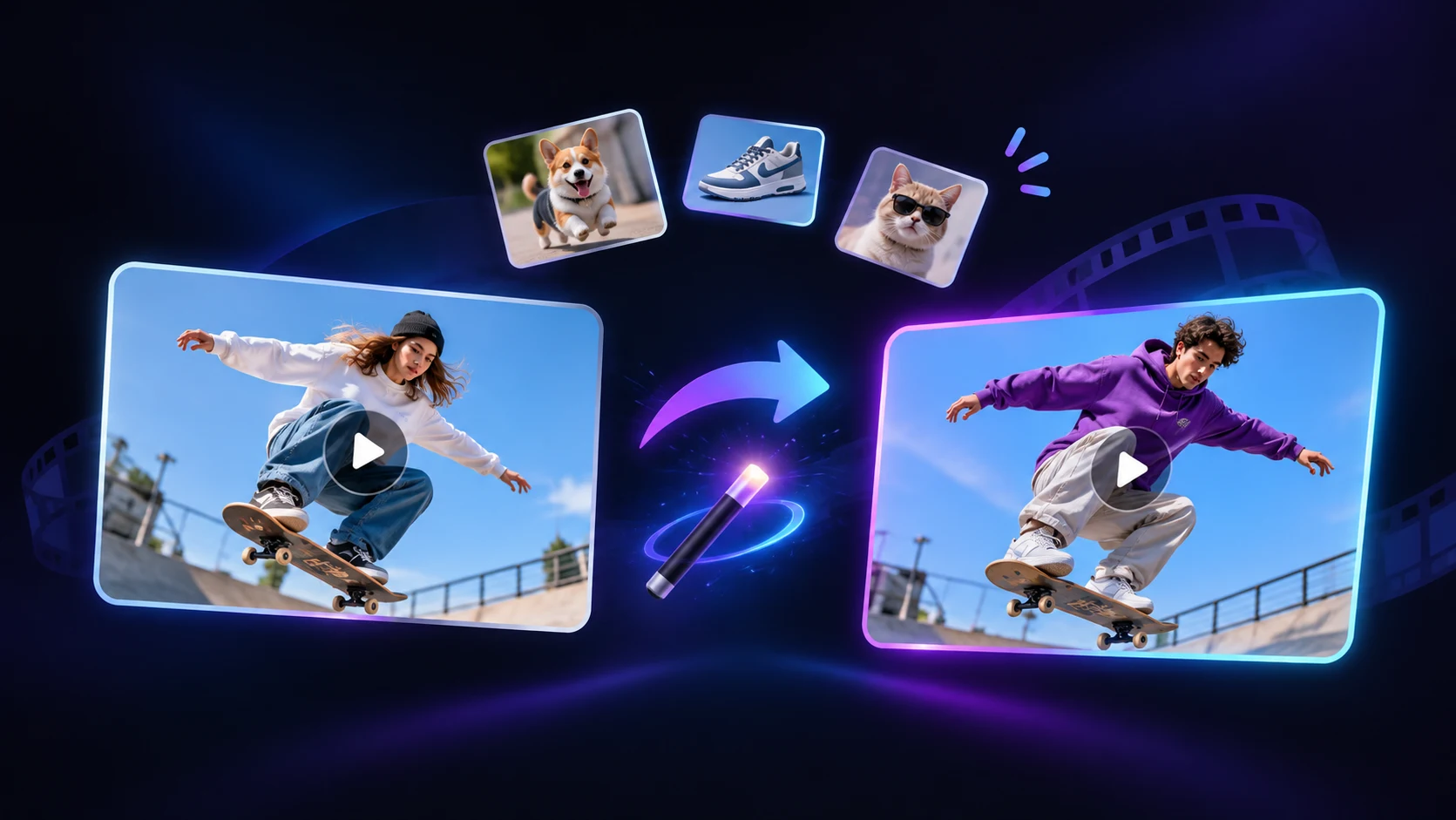
AI Viral Video Cloner – Recreate Videos with CloneCut AI
Use a reference video as your starting point, replace people, products, objects, or backgrounds, and guide the transformation with your own reference images and instructions. CloneCut AI helps preserve the original motion, camera movements, and timing while adapting the visuals to your creative direction.
Your reference video. Your visual style. Your next creative idea.
Create Viral Videos with CloneCut AI
Turn viral video inspiration into your own content with CloneCut AI. Recreate engaging video concepts using your own people, products, objects, or backgrounds while preserving the original motion and timing.
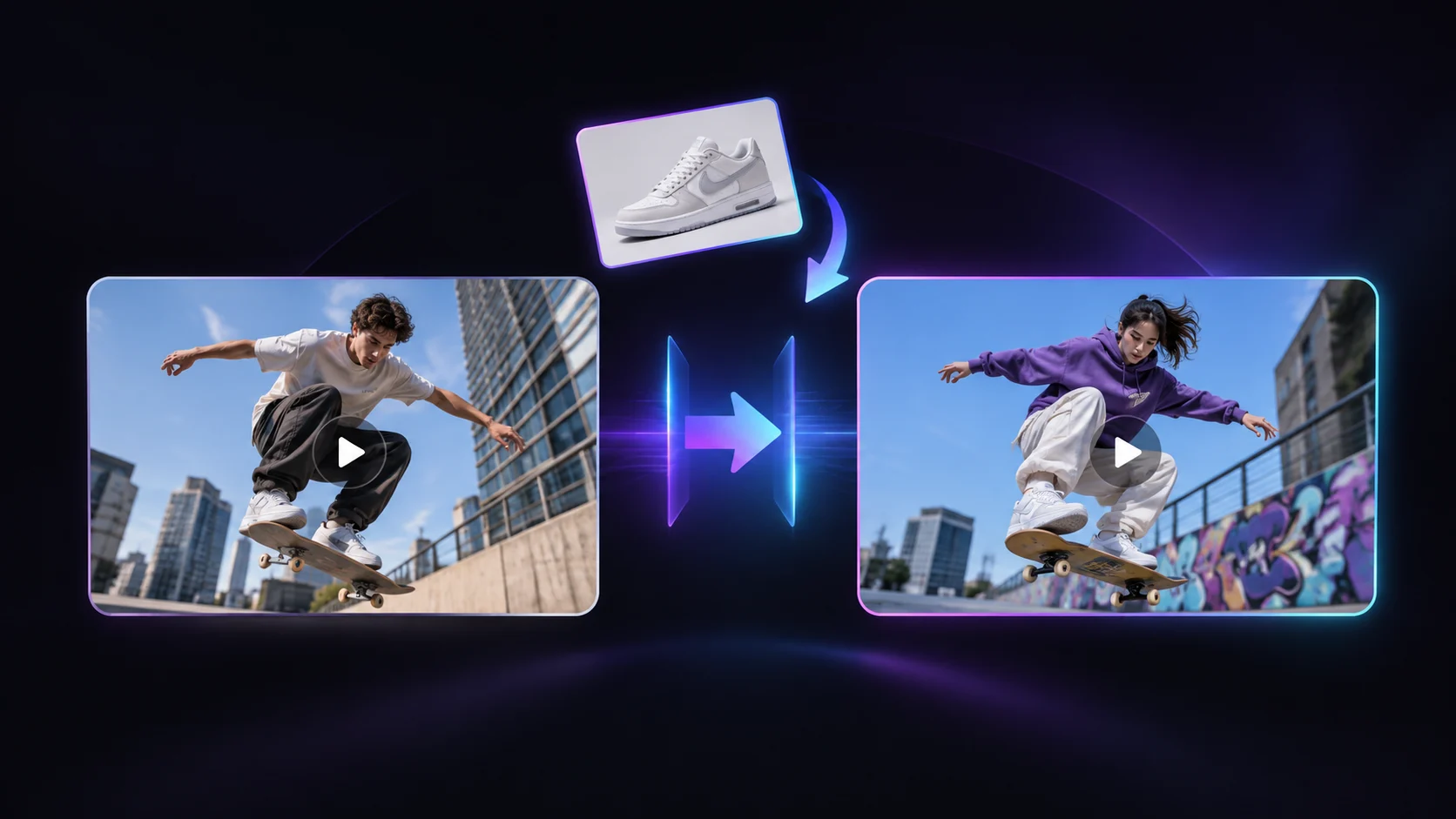
Recreate Viral Video Concepts
Turn viral video inspiration into your own creative content with CloneCut AI. Use a reference video to recreate engaging styles, scenes, and movements while adding your own creative direction. Whether you're making short-form social content or exploring new video ideas, start with an existing concept instead of building every scene from scratch.
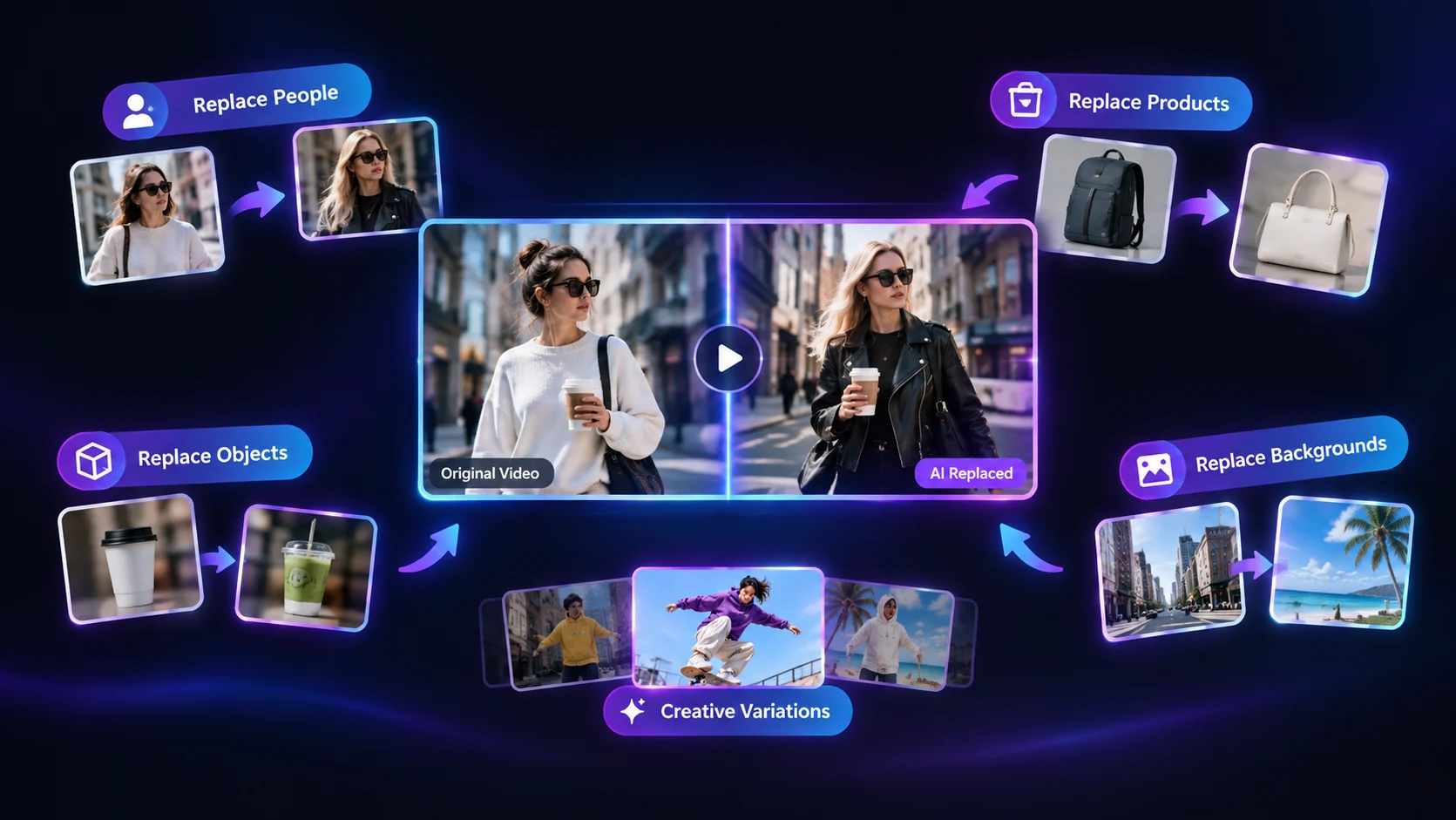
Replace People, Products & Backgrounds
Make reference videos your own by customizing the visual elements that matter. Replace people with your preferred characters, feature your own products, swap objects, or transform backgrounds to create a fresh visual direction. CloneCut AI helps you adapt existing video concepts to your content, style, or promotional needs.
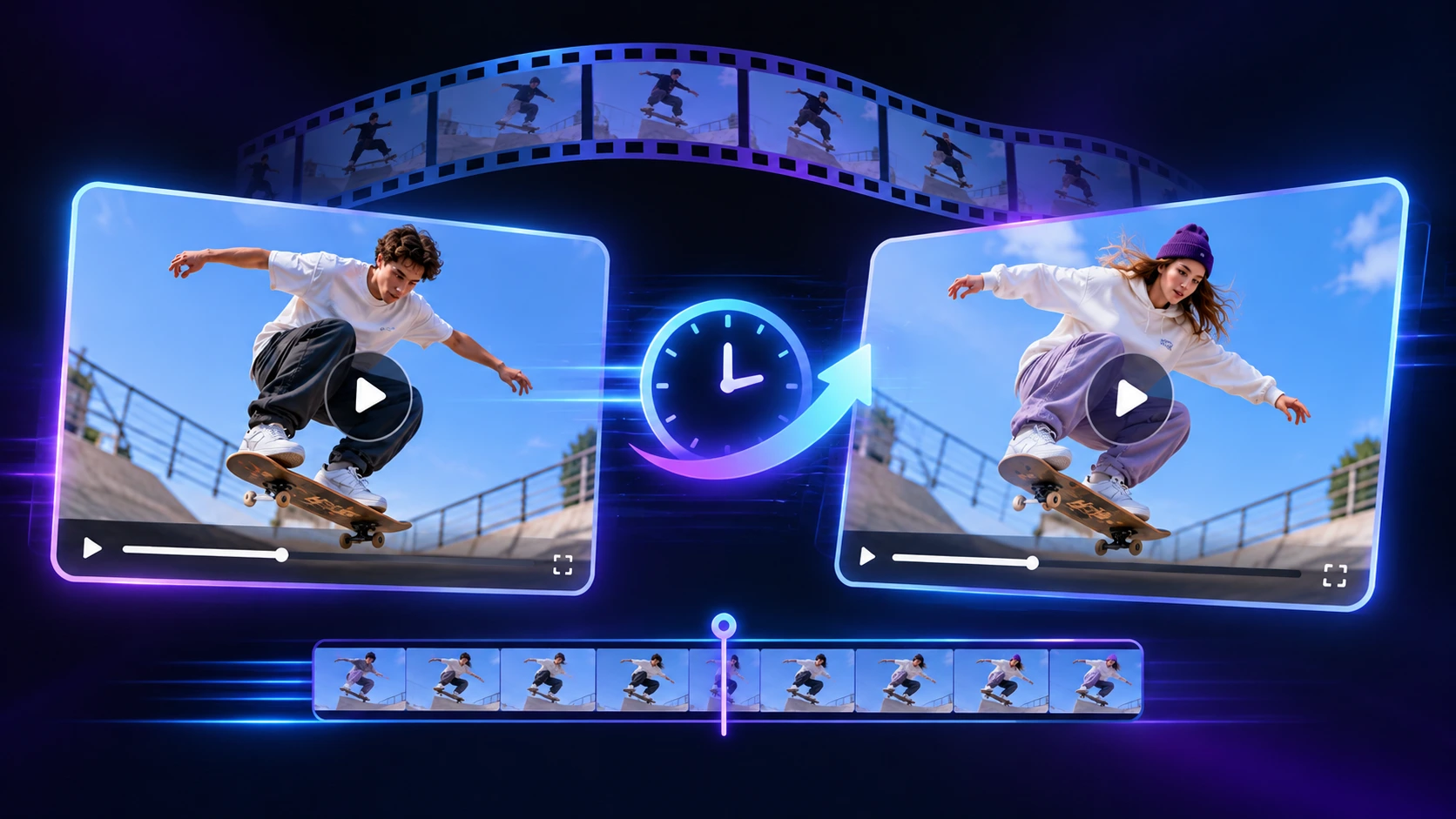
Keep Original Motion & Timing
Preserve the movements and rhythm that make a reference video engaging. CloneCut AI aims to retain the original actions, camera movements, scene flow, and timing while transforming selected visual elements. This makes it easier to recreate movement-driven viral videos, product showcases, and short clips without manually rebuilding every shot.
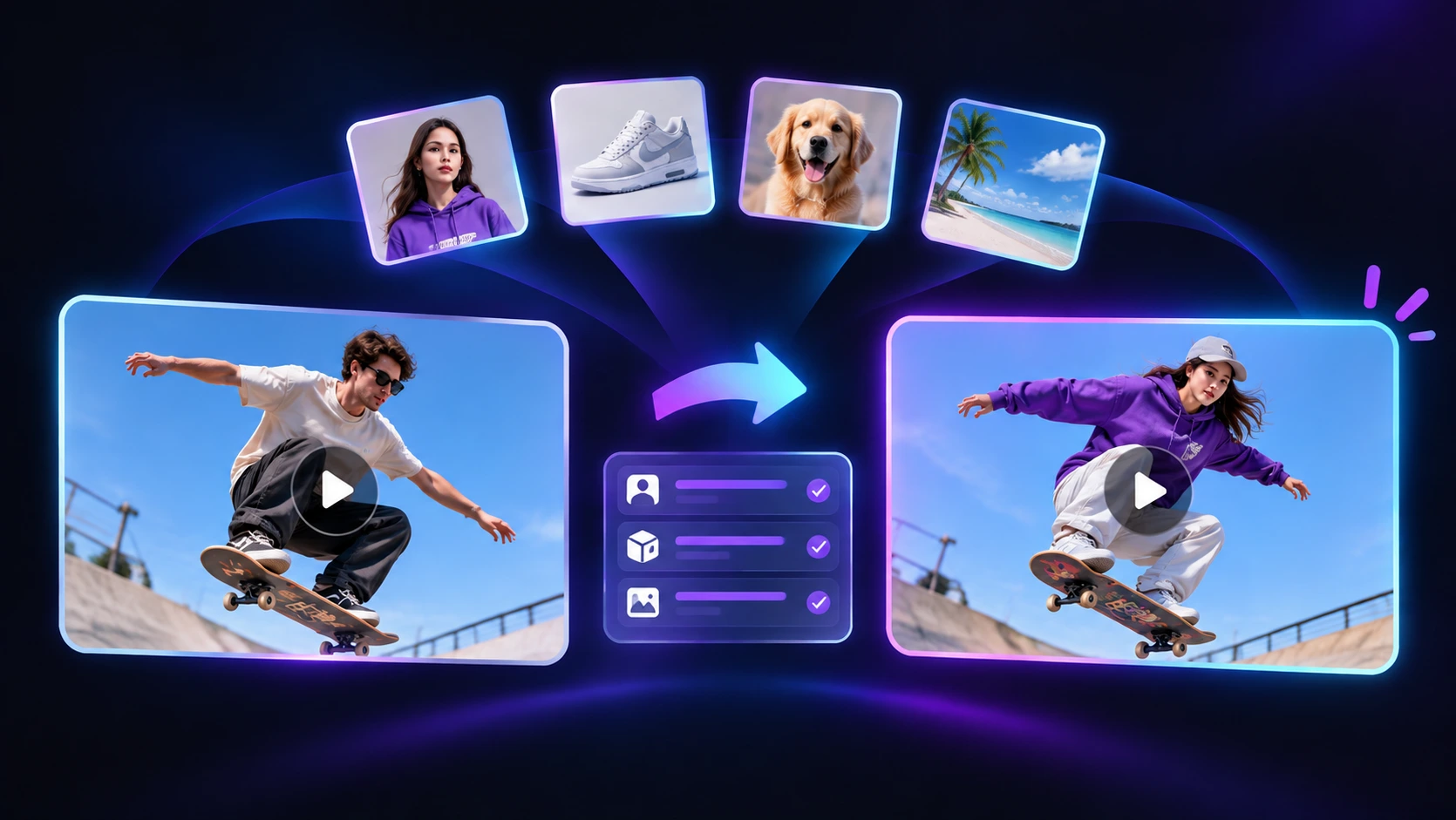
Create with Your Own References
Bring your creative ideas to life with your own reference images and instructions. Upload a product photo, character image, or visual reference to guide the appearance of the elements you want to introduce. Combine your references with a source video to create customized viral-style content that better matches your vision.
How to Use CloneCut AI Viral Video Cloner
Create a customized video from a reference clip in three simple steps.
1
Upload Your Reference Video
Choose a video you want to recreate or transform. Use a clear source clip with a visible subject and recognizable movement.
2
Add Your Reference Image and Instructions
Upload an image of the person, product, object, or background you want to introduce. Describe what should change and what should remain similar. Be specific about the visual elements you want to replace, the appearance of the new subject, and the movement or framing you want to preserve.
3
Generate and Review Your Video
Generate your customized video using AI. Preview the result and review the full clip for visual consistency, movement, and details.
Traditional Video Editing vs. CloneCut AI
Traditional Video Editing
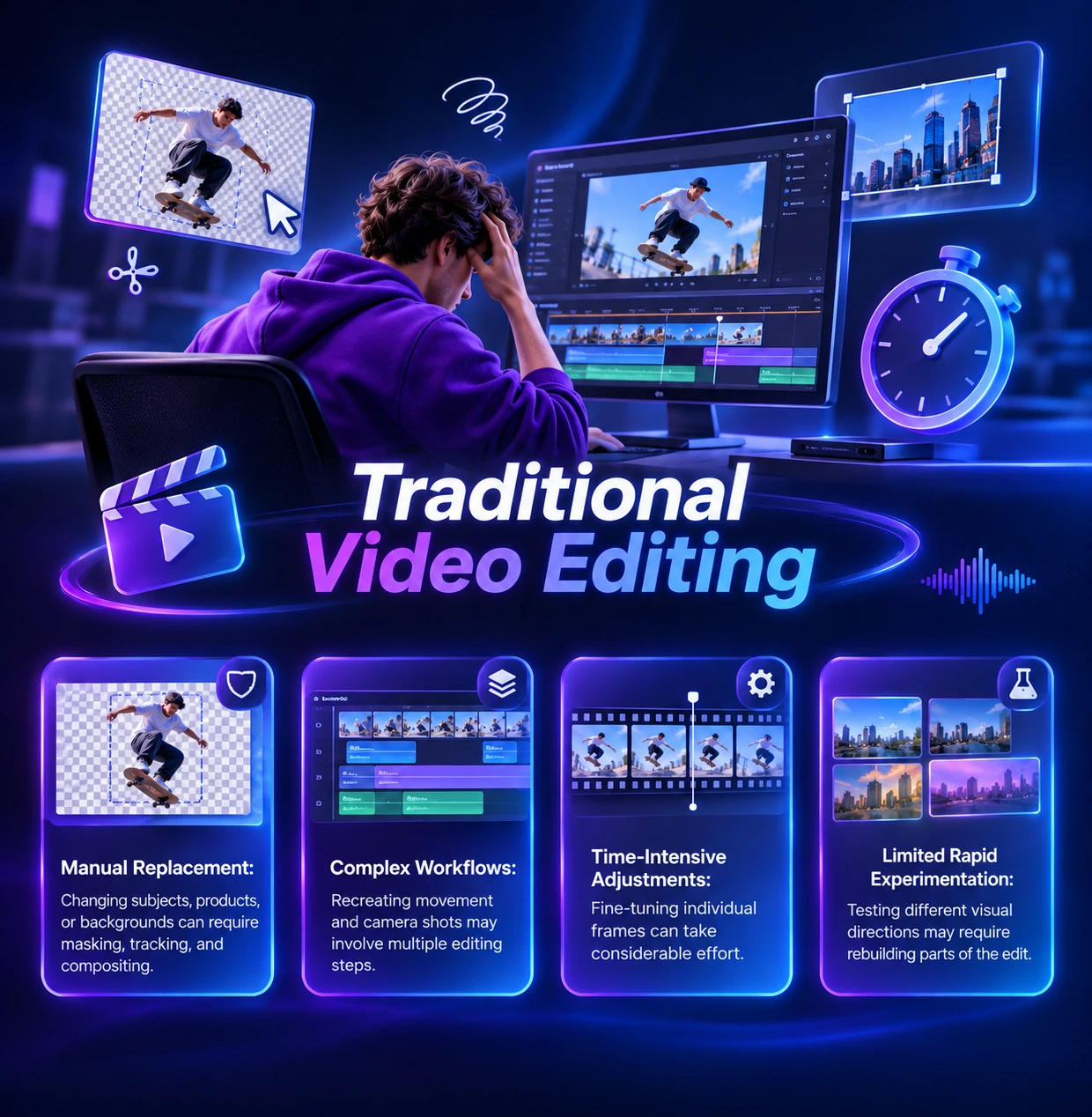
- Manual Replacement: Changing subjects, products, or backgrounds can require masking, tracking, and compositing.
- Complex Workflows: Recreating movement and camera shots may involve multiple editing steps.
- Time-Intensive Adjustments: Fine-tuning individual frames can take considerable effort.
- Limited Rapid Experimentation: Testing different visual directions may require rebuilding parts of the edit.
AI Viral Video Cloning with CloneCut AI
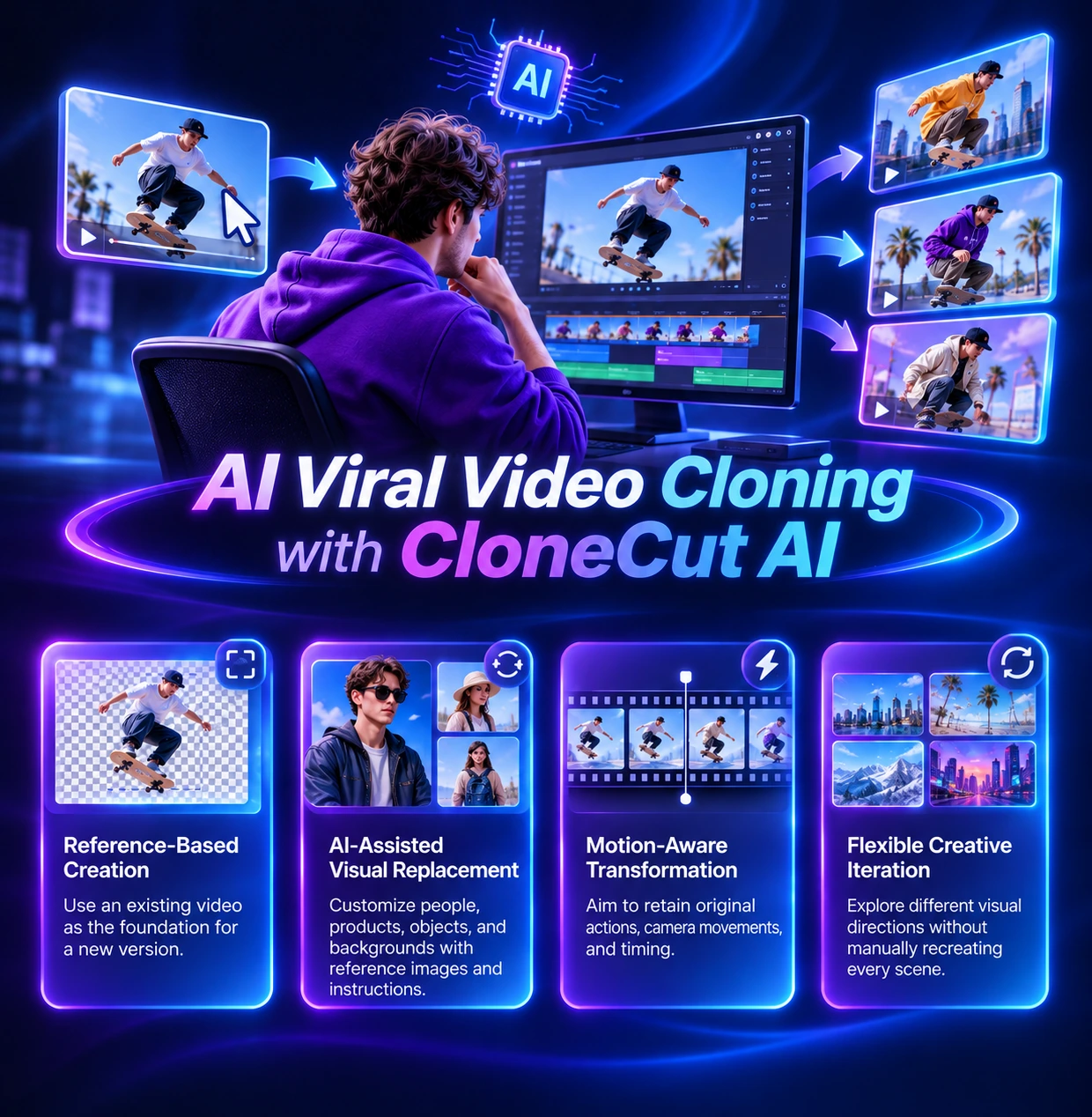
- Reference-Based Creation: Use an existing video as the foundation for a new version.
- AI-Assisted Visual Replacement: Customize people, products, objects, and backgrounds with reference images and instructions.
- Motion-Aware Transformation: Aim to retain original actions, camera movements, and timing while changing visual elements.
- Flexible Creative Iteration: Explore different visual directions without manually recreating every scene.
CloneCut AI Viral Video Cloner Use Cases
Discover how to recreate viral-style videos and transform reference clips with your own creative ideas.
Recreate Viral Videos
Use engaging reference videos as a starting point to recreate popular video styles. Add your own creative direction and turn video inspiration into customized viral-style content.
Replace People & Characters
Transform people or characters in reference videos using your own visual references. Create personalized video scenes while aiming to retain the original actions and movement.
Showcase Your Products
Replace featured products in existing video concepts with your own product images. Create customized product showcases, demonstrations, and promotional clips inspired by engaging video formats.
Swap Objects in Videos
Change selected objects to match your creative vision. Introduce new visual elements while keeping the surrounding scene and original video movement as consistent as possible.
Transform Video Backgrounds
Give reference videos a fresh setting by replacing the background. Explore new environments, moods, and visual styles while retaining the main subject's movement.
Create Unique Video Variations
Reimagine one video concept with different characters, products, objects, or scenes. Experiment with new visual directions and create multiple versions for your content ideas.
Explore More AI Video Generator with VideoPlus.ai
CloneCut AI FAQs

Start Creating with an CloneCut AI Viral Video Cloner
Recreate the motion. Replace the visuals. Make the video your own.
Unlock limitless creativity with a cutting-edge
AI tool designed for innovation and growth | VideoPlus.AI