

A single still image. A finished video clip. No camera, no editing software, no production team.
That's the promise of free AI image to video generation - and in 2026, the best tools deliver on it well enough to produce content that lands on real social feeds, real product pages, and real marketing campaigns.
The challenge isn't finding a free tool. There are plenty. The challenge is finding the right one for your specific goal - because "image to video AI" covers an enormous range of use cases: animating a portrait, bringing an AI illustration to life, turning a product photo into a social ad, or adding a creative effect to a selfie.
This guide organizes the best free AI image to video tools in 2026 around what you are actually trying to make, so you can move from image to usable clip faster.
Quick Answers for Free AI Image to Video Tools
- Animate any image: VideoPlus.ai or Kling 3.0.
- Create social effects on portraits: VideoPlus.ai effects library.
- Get the highest realism from text plus image: Veo 3.1 via Google AI Studio.
- Turn a product photo into a video clip: VideoPlus.ai or PixVerse.
- Animate illustrated characters or AI art: Kling 3.0 or Luma Ray3.
- Export without a visible free watermark: Veo 3.1 or Seedance 2.0 via CapCut.
- Generate high daily volume: PixVerse, with roughly 60 credits per day.
What Is AI Image to Video - and What Can It Actually Do?
AI image to video generation works by analyzing the visual content of a still image - the subjects, the lighting, the implied depth and motion - and using that information to generate a sequence of frames that animate the scene in a plausible way. The result is a short video clip that starts from your image and introduces motion: a character moves, an environment comes alive, a product rotates, or a landscape breathes.
Modern tools have become significantly more capable at preserving the visual identity of the source image. Earlier versions tended to drift, generating something vaguely related to the input but losing key details within a few frames. Current top-tier models maintain face consistency, fabric behavior, and scene coherence across 6-15 second clips with substantially higher fidelity.
Three Things New Users Should Know
- You usually add a text prompt, not just an image. Most tools accept a short description of the motion or scene alongside the image, such as "camera slowly zooms in," "character begins to walk," or "leaves rustling in the wind." The prompt guides what kind of motion is generated.
- Free plans have real limits. Almost every cloud-based AI image to video tool operates a freemium model in 2026. "Free" typically means a daily or monthly credit allowance, a cap on output resolution, and often a visible watermark on exports.
- Clip length on free tiers is short. Most free AI image to video tools cap clips at 5-10 seconds per generation. This is enough for social content, product animations, and short creative clips.
The Best Free AI Image to Video Tools in 2026
Best Free AI Image to Video Tools for Photos and General Images
- VideoPlus.ai
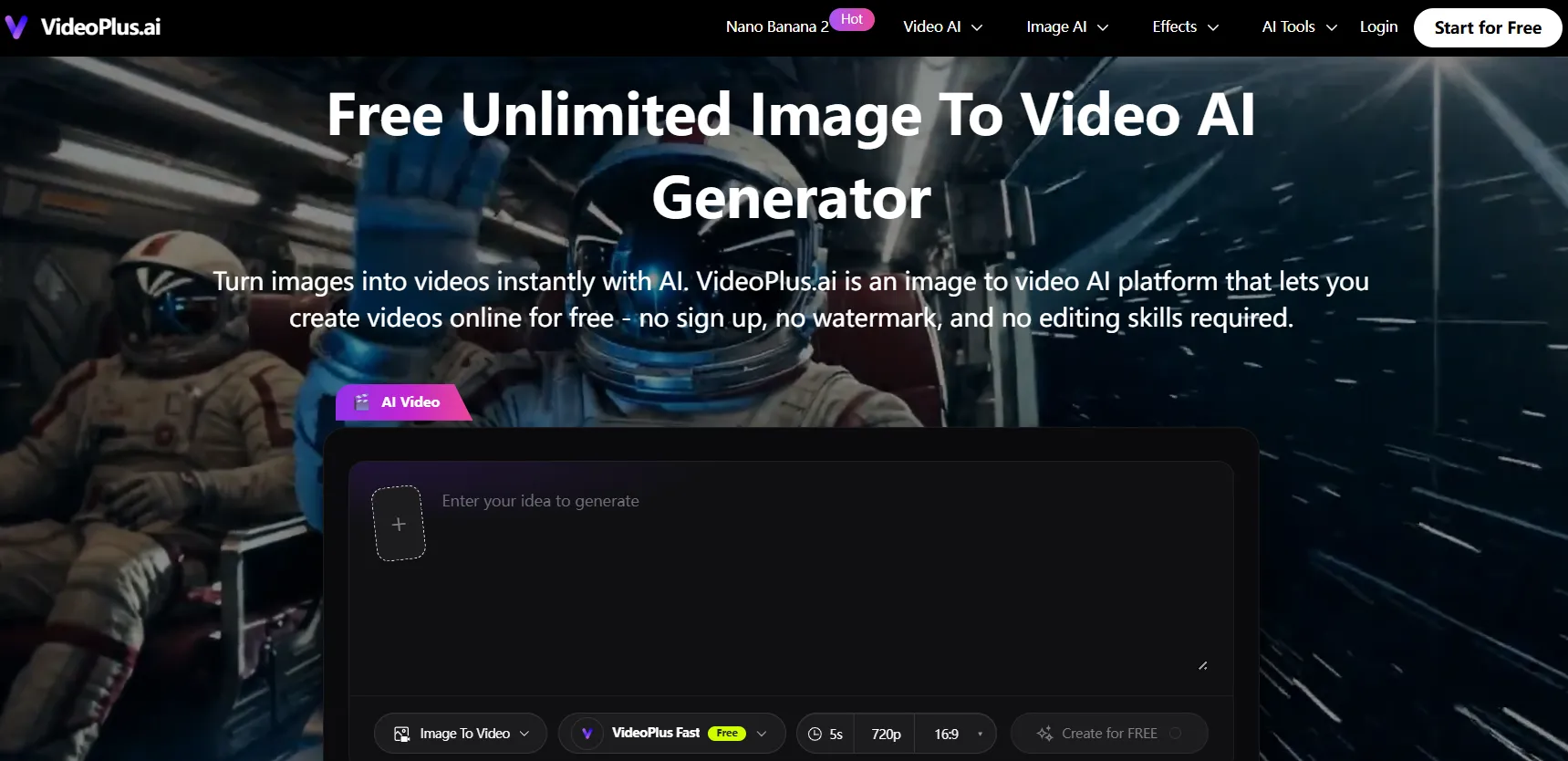
VideoPlus.ai is the best all-in-one starting point for creators who want AI image to video alongside text to video, video to video transformation, AI image generation, creative effects, and AI enhancement tools in one platform.
- Free plan: Yes.
- Watermark on free tier: No.
- Best for: Creators who want image animation, AI generation, and video enhancement in one workflow.
- Image to video generation: Upload a reference image, add an optional motion prompt, and generate a short video clip suitable for social media, product content, and creative short-form video.
- Creative effects library: Personality-driven effects, including interaction effects like kiss effects and dance effects, help creators produce immediately shareable social formats.
- Broader AI workflow: Creators can generate an image, animate it, and enhance the output without jumping between separate tools.
Try VideoPlus.ai Free Image to Video AI
- Invideo
Invideo helps creators turn images into videos with AI-powered animation, voiceovers, captions, and editing tools. Beyond image-to-video generation, it offers an end-to-end video creation workflow for marketers, businesses, and content creators. Advanced users can also leverage Agent One, an AI creative agent that learns from your style and references while tapping into 200+ AI models for image, video, audio, and music generation.
- Free plan: Yes.
- Watermark on free tier: Yes (free plan limitations apply).
- Best for: Creators, marketers, and businesses looking to turn images into polished videos with AI-powered editing and storytelling features.
- Image to video generation: Upload an image, add a prompt describing the desired motion or scene, and generate a dynamic video complete with transitions, effects, and AI-assisted enhancements.
AI video creation features: Includes AI voiceovers, subtitles, stock media access, scene creation, automated editing tools, and Agent One for AI-assisted content creation.
- Kling 3.0
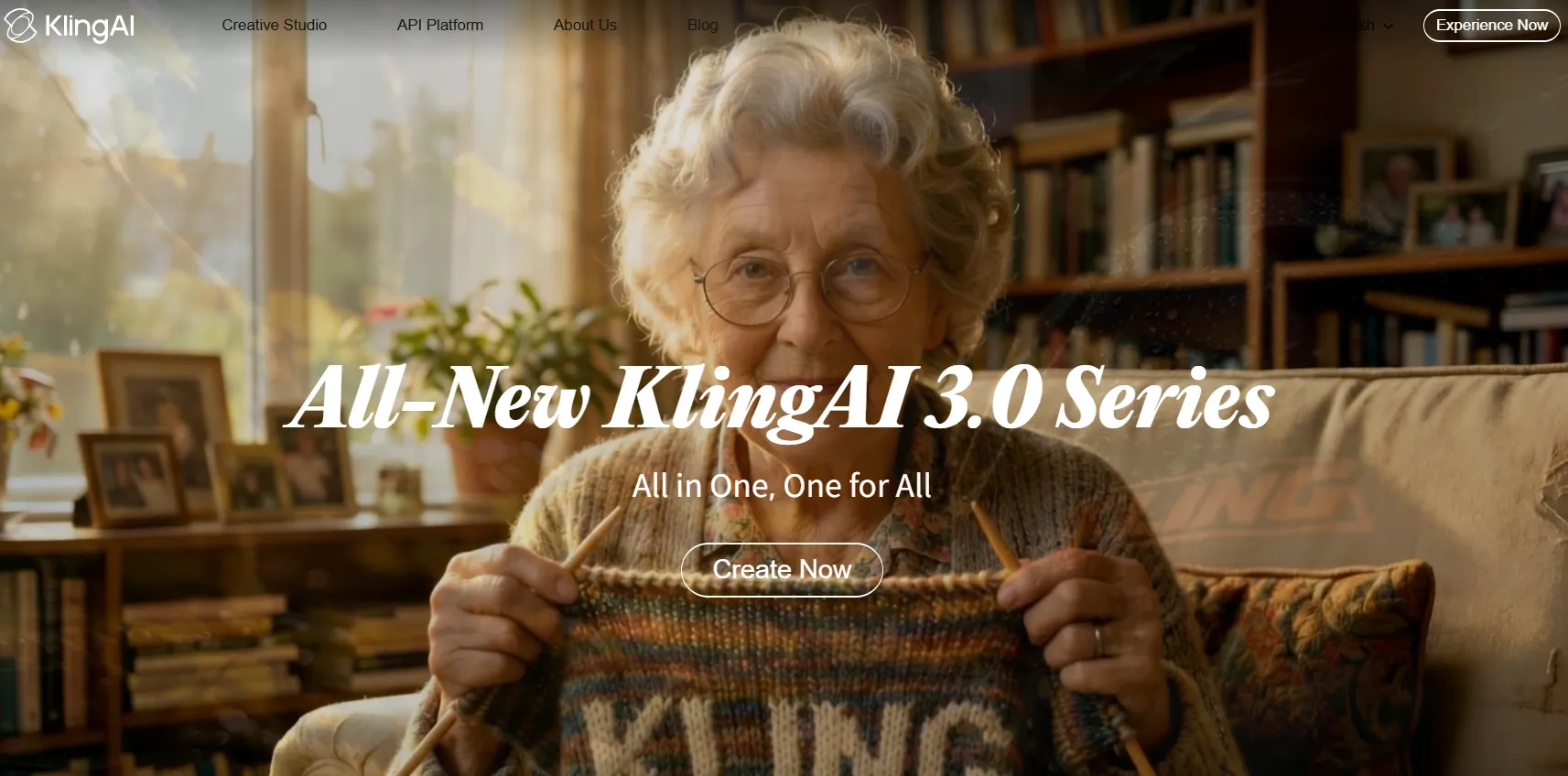
Kling 3.0 is one of the strongest pure free AI image to video models with a genuinely usable free tier in 2026. Its daily credit refresh makes it practical for creators who want to test multiple animation directions without paying upfront.
- Free plan: Daily credits, roughly 66 credits per day.
- Watermark on free tier: Yes.
- Max resolution free: 720p.
- Best for: Creators who want cinematic animation from photos or illustrations.
- Motion fidelity: Fabric, hair, facial expressions, and camera motion tend to feel physically coherent compared with lower-tier models.
- Free tier note: Free outputs carry a watermark and are capped at 720p. Paid plans remove the watermark and unlock higher-resolution output.
- PixVerse V5.6
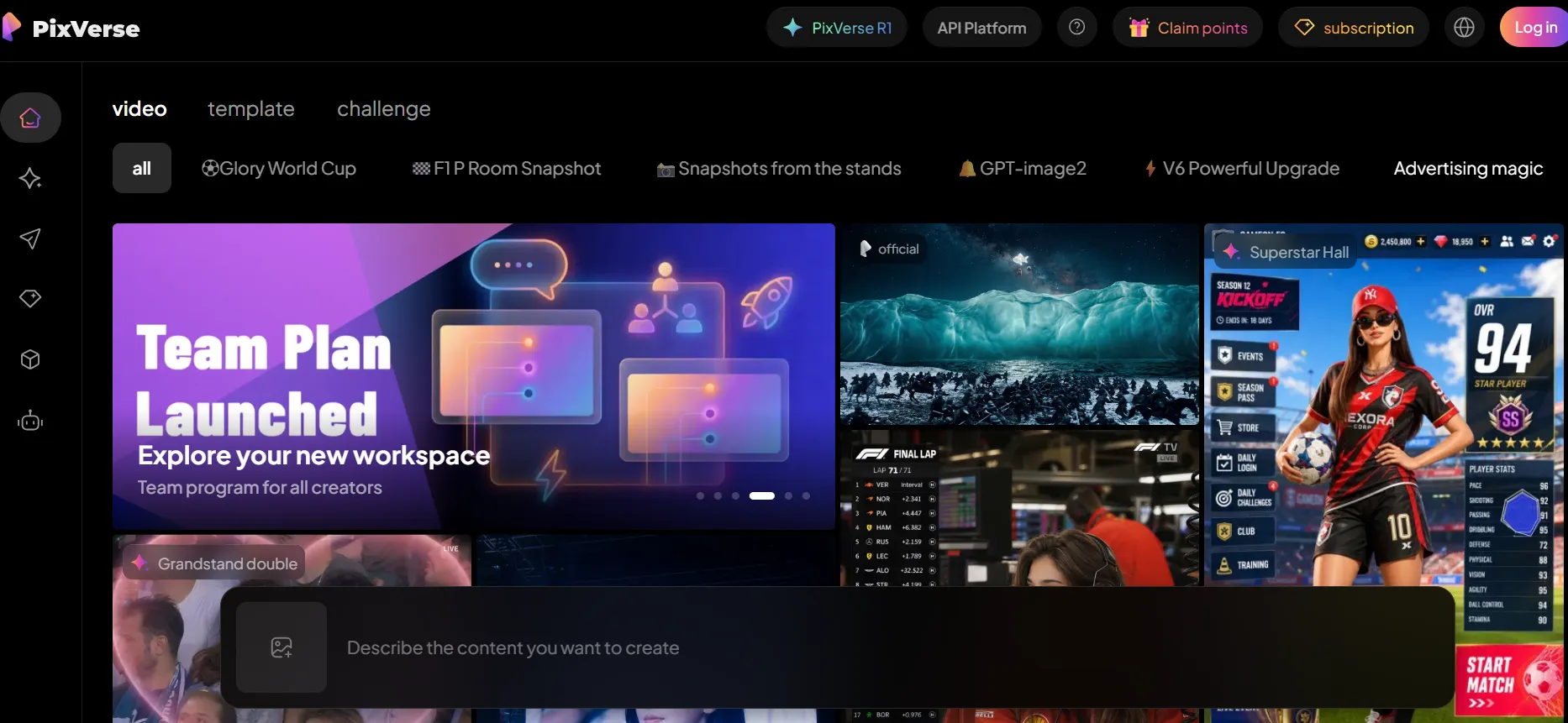
PixVerse is a strong option for high daily volume. Its daily-refresh model provides roughly 60 credits every 24 hours, which can translate into about 10 short clips per day depending on generation settings.
- Free plan: Roughly 60 credits per day, refreshing daily.
- Watermark on free tier: Yes.
- Max resolution free: 720p.
- Best for: Creators who need to generate many short clips without quickly exhausting quota.
- Visual style: Output tends toward energetic, dynamic motion that works well for fast-paced social content.
- Clip length: The free workflow is best suited to short 6-second generations rather than complex long-form sequences.
- Veo 3.1
Veo 3.1, available through Google AI Studio, is a strong free option for creators who care most about output quality and do not want a visible watermark. It is better suited to carefully selected clips than high-volume daily production.
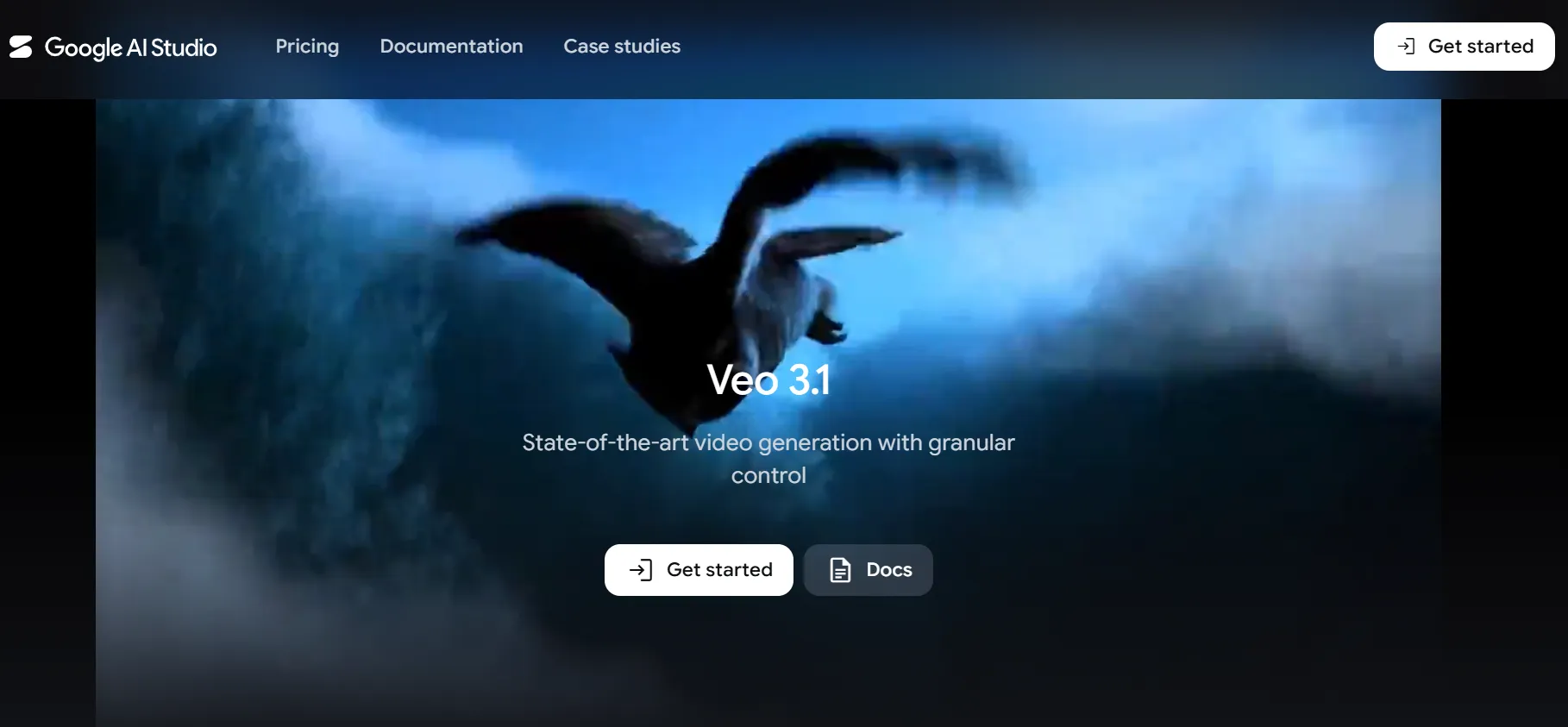
- Free plan: Available via Google AI Studio with rate limits.
- Watermark on free tier: No visible watermark.
- Output: 1080p.
- Best for: Creators who want high-quality output from a free tool.
- Audio capability: Integrated audio generation can add ambient sound, effects, or music synchronized with the visual content.
- Practical limitation: AI Studio is more technical than consumer tools and may introduce generation delays during heavy use.
Best Free AI Image to Video Tools for Portraits and People
- VideoPlus.ai
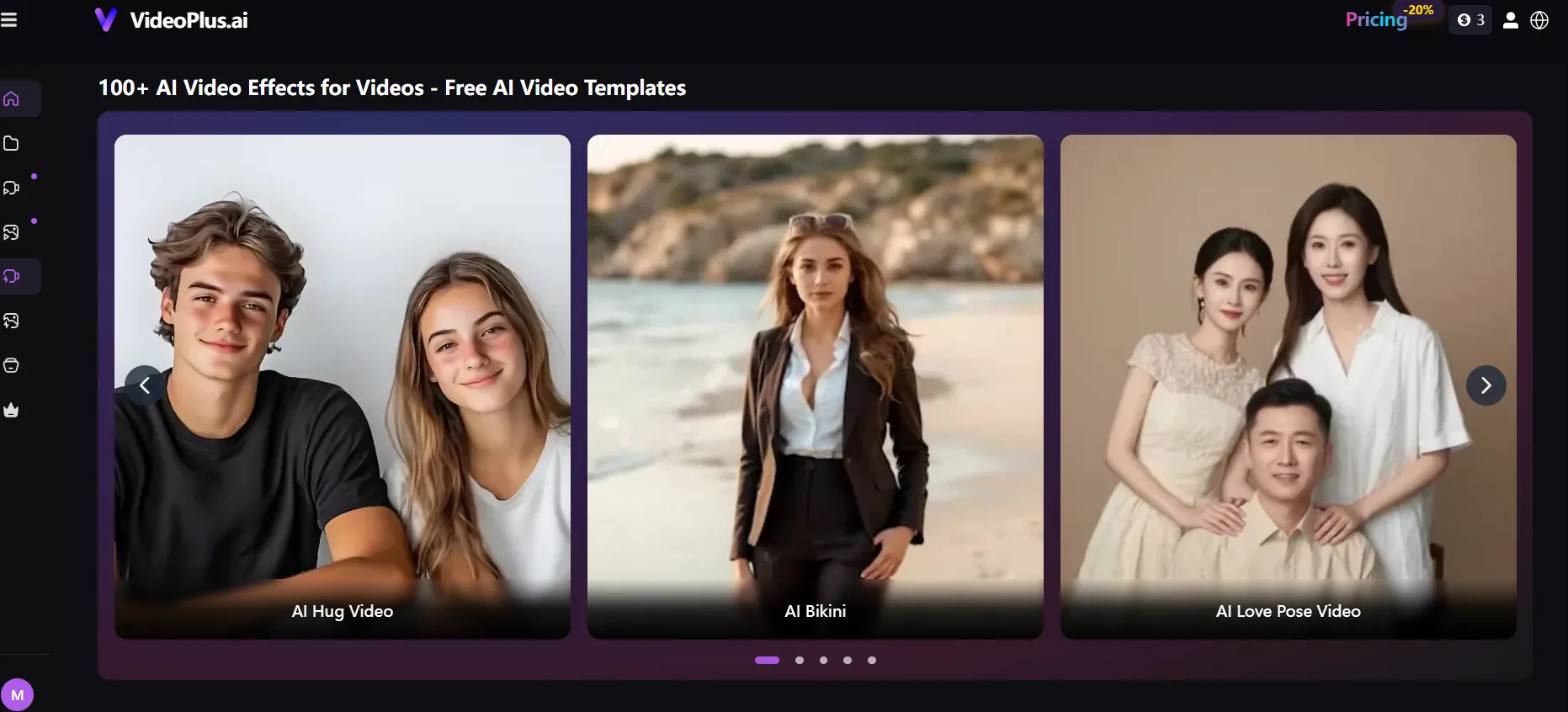
VideoPlus.ai is especially useful for portrait-based social content because its effects library includes ready-made formats rather than only open-ended image animation.
- Free plan: Yes.
- Best for: Short-form social media creators who want ready-made effects for portrait content.
- Interaction effects: Kiss effects, dance effects, and other personality-driven AI formats animate portraits into specific scripted social moments.
- Fast creative workflow: Instead of writing a detailed motion prompt, users can choose a recognizable social format and generate a shareable result.
- Platform fit: The effects are optimized for short, expressive videos designed for social distribution.
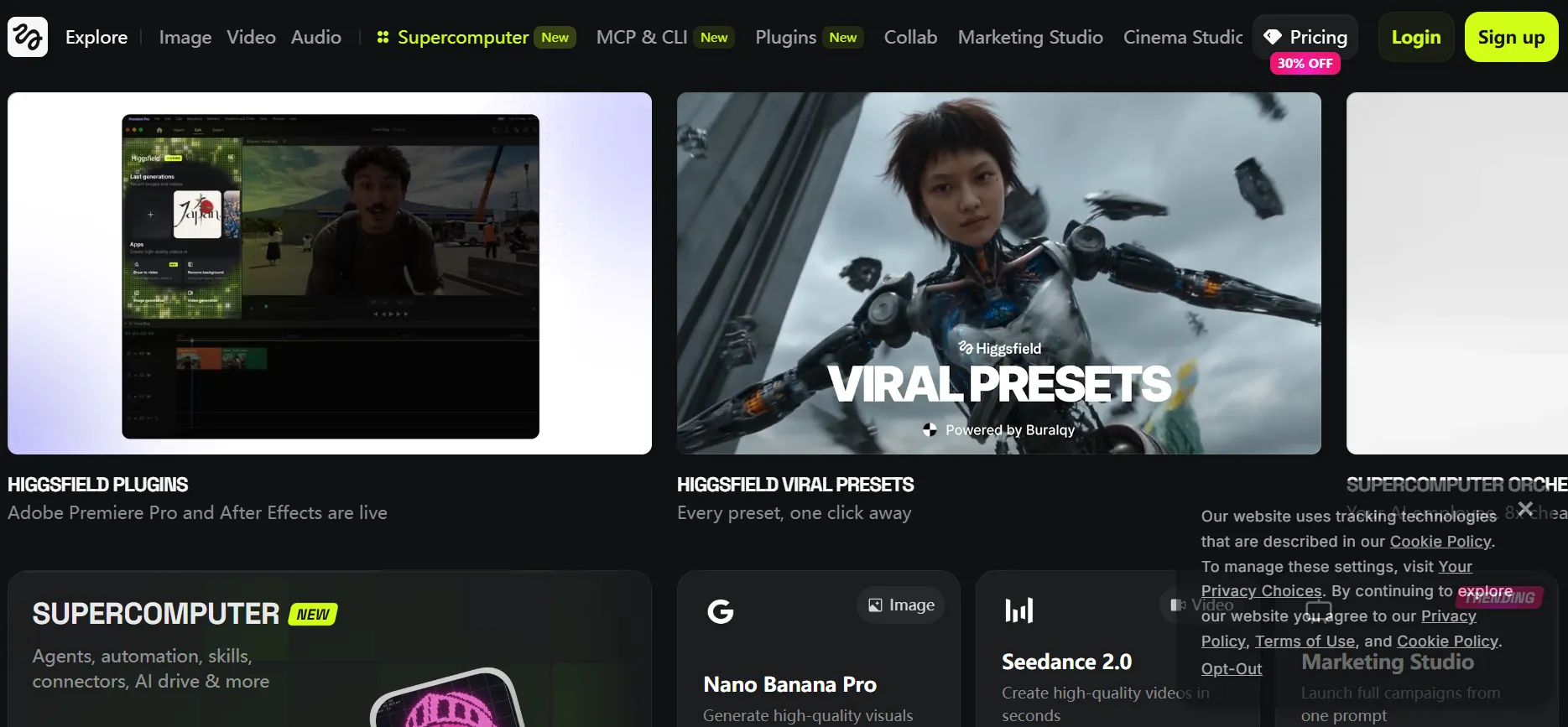
- Higgsfield AI
Higgsfield's DoP I2V model is built around realistic human motion from portrait images. It is useful when the main challenge is keeping anatomy, posture, and facial movement believable.
- Free plan: Limited free credits.
- Best for: Photographers and portrait creators who want cinematic motion applied to human subjects.
- Human motion quality: The model handles pose transitions, walking, looking around, and subtle expression changes with stronger fidelity than many general-purpose models.
- Motion styles: Pre-defined cinematic and expressive movement styles reduce the guesswork of open-ended prompting.
- Hailuo 2.3 (MiniMax)
Hailuo is strongest when a portrait needs subtle expression rather than dramatic motion. It is a good choice for face-focused clips where realism depends on small movements.
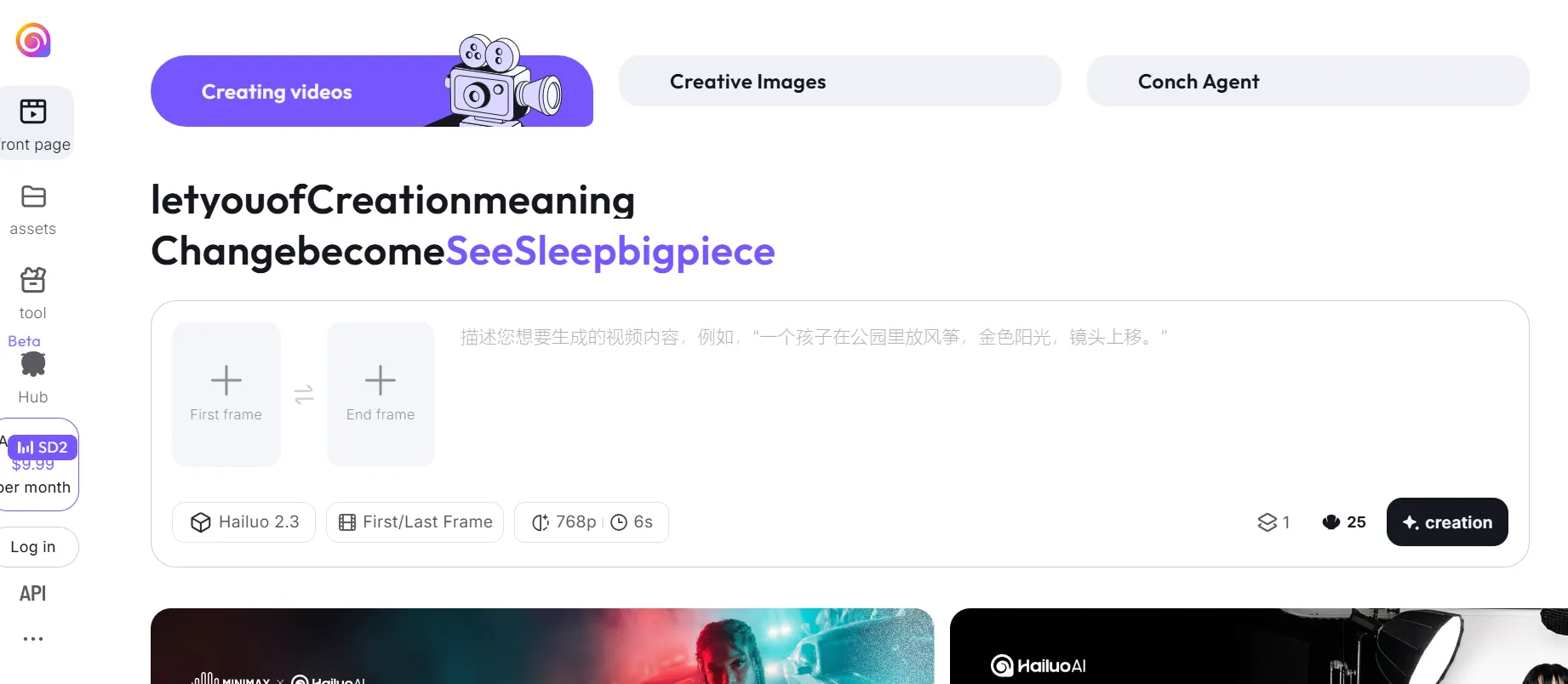
- Free plan: Daily credits with watermarked output.
- Best for: Portraits requiring fine facial expression accuracy and subtle body motion.
- Micro-expression fidelity: The model captures blinks, slight smiles, and nuanced expression changes better than many general-purpose tools.
- Commercial use note: The free tier is mainly suited to testing and personal content. Professional or business use usually requires an upgrade.
Best Free AI Image to Video Tools for Illustrations and AI Generated Art
- Kling 3.0
Kling works well with illustrated and stylized content because it preserves the source image's visual identity across animation instead of forcing everything toward photorealism.
- Free plan: Daily credits.
- Best for: Illustrators, AI artists, and manga or anime-style content creators.
- Style consistency: The output retains the illustration's color palette, line quality, and visual identity.
- Character stability: Kling is strong for anime and manga-style images where stable character consistency across frames matters.
- Luma Ray3
Luma Ray3 is a good option for illustrated images where mood, atmosphere, and visual elegance are more important than high-volume generation.
- Free plan: 30 free generations per month in draft quality with a watermark.
- Paid access: Starts around $9.99 per month for fuller access.
- Best for: Painterly illustration, concept art, landscapes, and atmospheric scene animation.
- Visual quality: Ray3 often produces strong color grading, lighting behavior, and ambient motion for slow cinematic clips.
- Practical note: Kling's daily-refresh model is usually more useful for creators who need consistent free volume.
- Runway Gen-4 Turbo
Runway's free tier is limited, but the platform remains useful for creators who want to evaluate a broader editing ecosystem before committing to a paid plan.
- Free plan: 125 lifetime credits that do not refresh.
- Watermark on free tier: Yes, 720p.
- Best for: Illustrators who want editing control over where and how animation is applied.
- Editing ecosystem: Motion brush, inpainting, and style tools help creators guide animation in a more controlled way.
- Free tier note: The lifetime credit model is useful for testing, but not for ongoing free production.
Free AI Image to Video Tool Comparison
The single most common source of frustration with free AI image to video tools is discovering restrictions that were not clear upfront. This table summarizes the key parameters across major free tools based on publicly available plan information as of June 2026.
| Tool | Free Credits | Watermark | Max Resolution Free | Clip Length | Commercial Use | Best For |
|---|---|---|---|---|---|---|
| VideoPlus.ai | Free plan available | No | 720p | Around 5 sec | Yes | All-in-one image to video, effects, and enhancement |
| Veo 3.1 | Rate-limited via Google AI Studio | No | 1080p | Around 8 sec | Yes | Highest quality, no-watermark free output |
| Kling 3.0 | Around 66 credits/day | Yes | 720p | Up to 10 sec | No on free tier | Cinematic quality and daily refresh |
| PixVerse V5.6 | Around 60 credits/day | Yes | 720p | Around 6 sec | Check terms | High daily volume |
| Pika 2.5 | 150 credits/month | Yes | 480p | Around 5 sec | No on free tier | Creative motion experimentation |
| Luma Ray3 | 30 generations/month | Yes | Draft quality | Around 5 sec | Yes on free tier | Atmospheric and painterly styles |
| Hailuo 2.3 | Daily credits | Yes | 720p | Around 6 sec | No on free tier | Facial expression fidelity |
| Runway Gen-4 | 125 lifetime credits | Yes | 720p | Around 5 sec | Yes on free tier | Editing control and workflow |
| Higgsfield | Limited free credits | Check terms | 720p | Around 5 sec | Check terms | Realistic human motion |
| Seedance 2.0 | Daily credits via CapCut | No | 1080p | Around 15 sec | Check terms | High quality, no-watermark daily output |
Important caveats: Free plan terms change frequently. Verify current limits directly on each tool's pricing page before making workflow decisions. Commercial use rights on free tiers are especially variable, so confirm the tool's terms before producing brand, client, or monetized content.
How to Get Better Results from Free AI Image to Video Tools
- Start with a high-quality, high-contrast source image. AI image to video models work by analyzing the visual information in your starting image. Low-resolution, blurry, or heavily compressed images give the model less to work with, and the result is more likely to drift from the source.
- Write a specific motion prompt, not a scene description. The model already knows what the scene looks like. Your prompt should explain what moves and how, such as "camera slowly pushes in," "the character's hand rises," or "leaves fall past the frame."
- Match the tool to the image type. General-purpose models handle photographic images well. For illustrations, anime-style art, and AI-generated images with stylized proportions, Kling and Luma often produce more style-consistent results.
- Use AI enhancement to improve output quality. Free-tier tools often cap output at 720p. If you need higher resolution, AI video enhancement tools can upscale and improve the visual quality of a generated clip after the fact.
- Treat free tier output as a draft, not a final. Generate quickly to test a concept, identify what works, and refine efficiently. This uses free quotas more productively than trying to get a perfect result in one generation.
Try VideoPlus.ai AI Video Enhance
Free vs Paid AI Image to Video Tools
Free plans are genuinely useful for most casual and creative use cases. The decision to upgrade usually comes down to one or more practical limits.
- Watermark removal: If you are publishing content professionally on a brand account, a client project, or a monetized channel, watermarked output usually is not viable.
- Resolution: Most free tiers cap at 720p. For large screens, websites, or production workflows, 1080p or 4K output can make a meaningful difference.
- Commercial use rights: Free tiers across many tools restrict commercial use. If you are producing content for paid advertising, client work, or monetized content, confirm licensing before publishing.
- Generation volume: Daily credit limits are designed for individual casual use, not production workflows. Teams and high-volume creators usually need paid credit allowances.
If you are producing content for personal use, creative experimentation, or low-volume social posting, the free tools in this guide provide genuinely usable output. If watermark removal, higher resolution, commercial rights, or production volume matter to your workflow, an entry-level paid tier is usually worth considering.
Conclusion
Free AI image to video tools in 2026 are capable enough to produce genuinely usable content for social media, creative projects, product content, and visual experimentation. The free tier landscape has matured beyond the point of being purely a trial mechanism; tools like Kling 3.0, Veo 3.1, and PixVerse offer enough daily volume and output quality to support real ongoing use.
The key to getting value from free tools is matching the right tool to the right job. Use Veo 3.1 for maximum free quality without a visible watermark, Kling for cinematic animation with daily-refresh credits, PixVerse for high daily volume, and VideoPlus.ai when you want image animation alongside text to video, image generation, creative effects, and AI enhancement in one platform.
Start with VideoPlus.ai - image to video AI, effects, and AI enhancement, all free to try
Free plan terms and credit allowances change frequently. All tool information reflects publicly available data as of June 2026. Verify current plan details at each tool's official website before making workflow or commercial use decisions.