Free Unlimited Image To Video AI Generator
Turn images into videos instantly with AI. VideoPlus.ai is an image to video AI platform that lets you create videos online for free - no sign up, no watermark, and no editing skills required.

Supported AI Video Foundation Models
Access leading models including Kling 2.6, Vidu Q3 Pro, Hailuo AI, and Google Veo in one place.





Natural Motion & High Visual Fidelity
Transform portrait, landscape, or product photos into fluid videos while preserving original facial features, textures, and lighting.
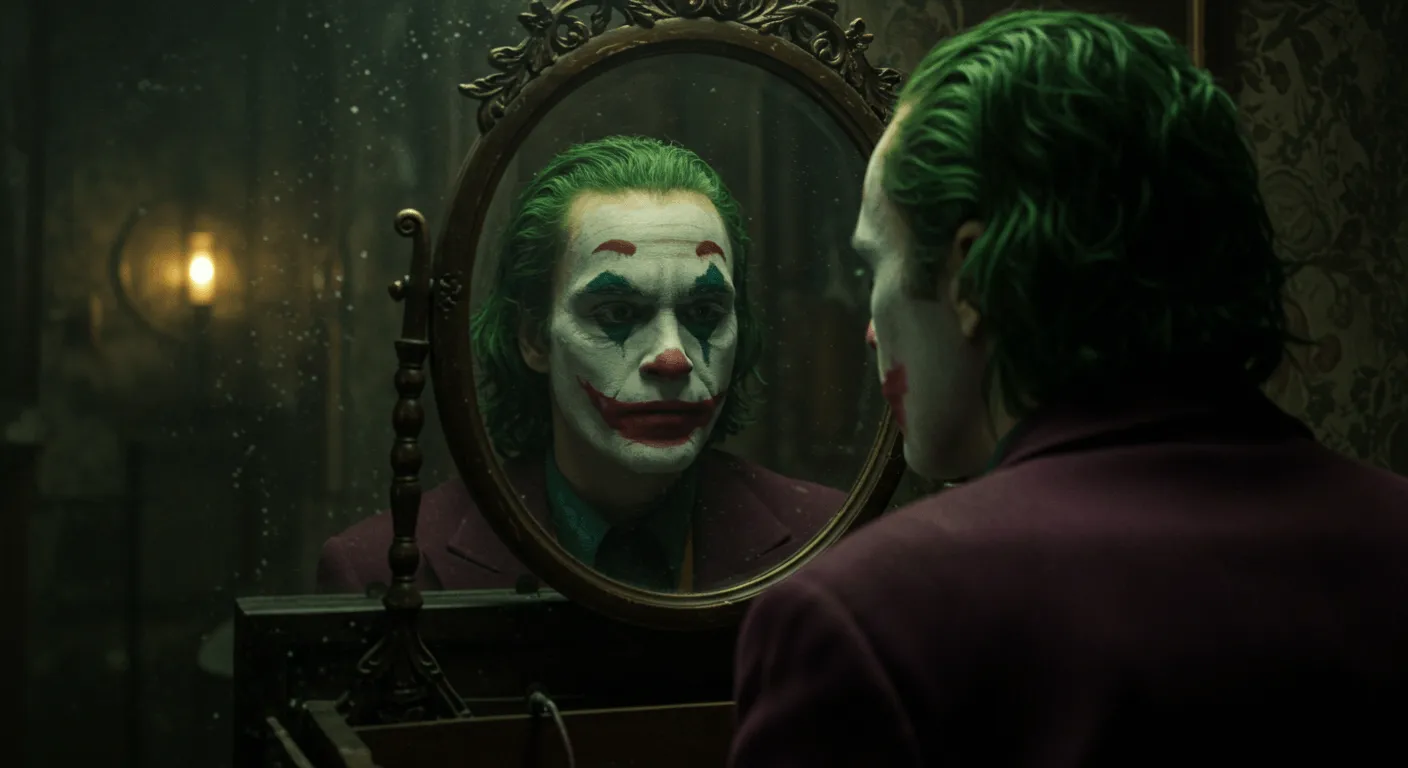 Original Image
“Subtle handheld camera movement, family smiling and laughing gently, leaves drifting in the background, warm sunset rim light.”
Integrated Sound Effects & Audio
Automatically generate synchronized sound effects and background ambient audio matched to the movement in your video.
Subject Consistency & Camera Controls
Keep character faces and background details steady across every frame. Customize camera pan, tilt, zoom, and motion intensity to create professional video shots from still photos.
Versatile AI Video Solutions for Every Use Case
From viral social media clips and dynamic marketing ads to high-converting e-commerce product videos, transform static images for any channel.
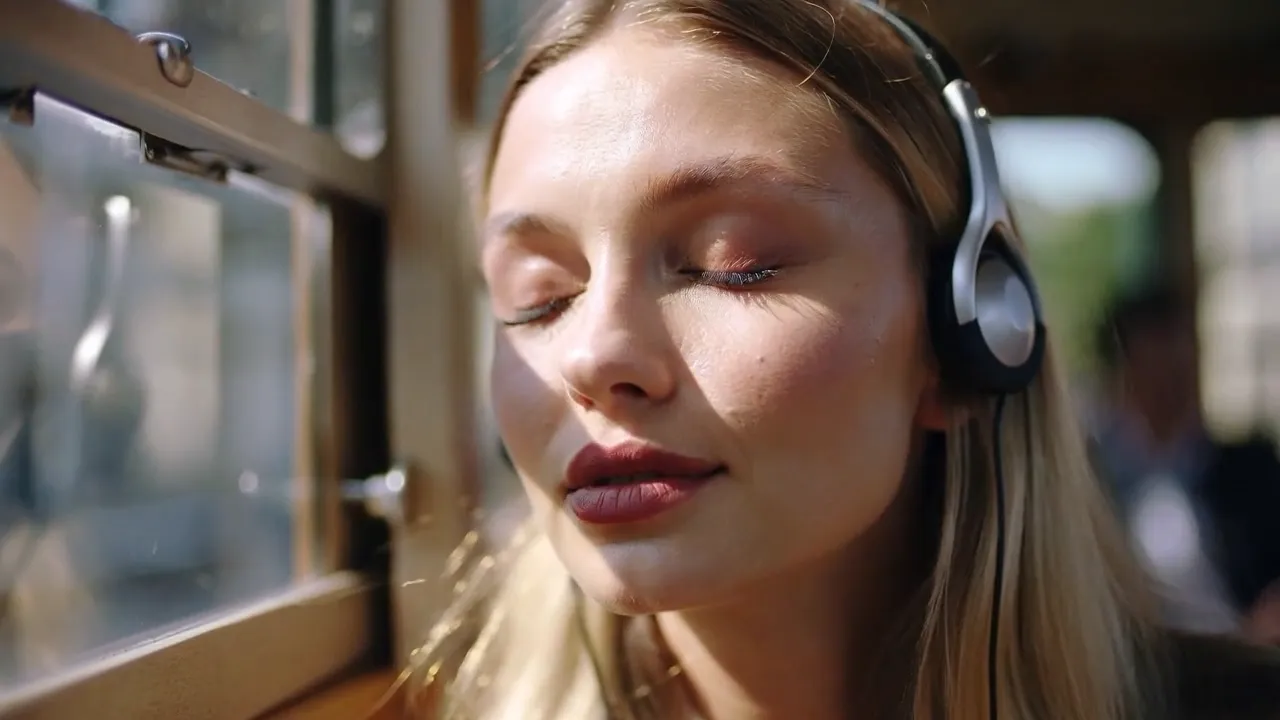
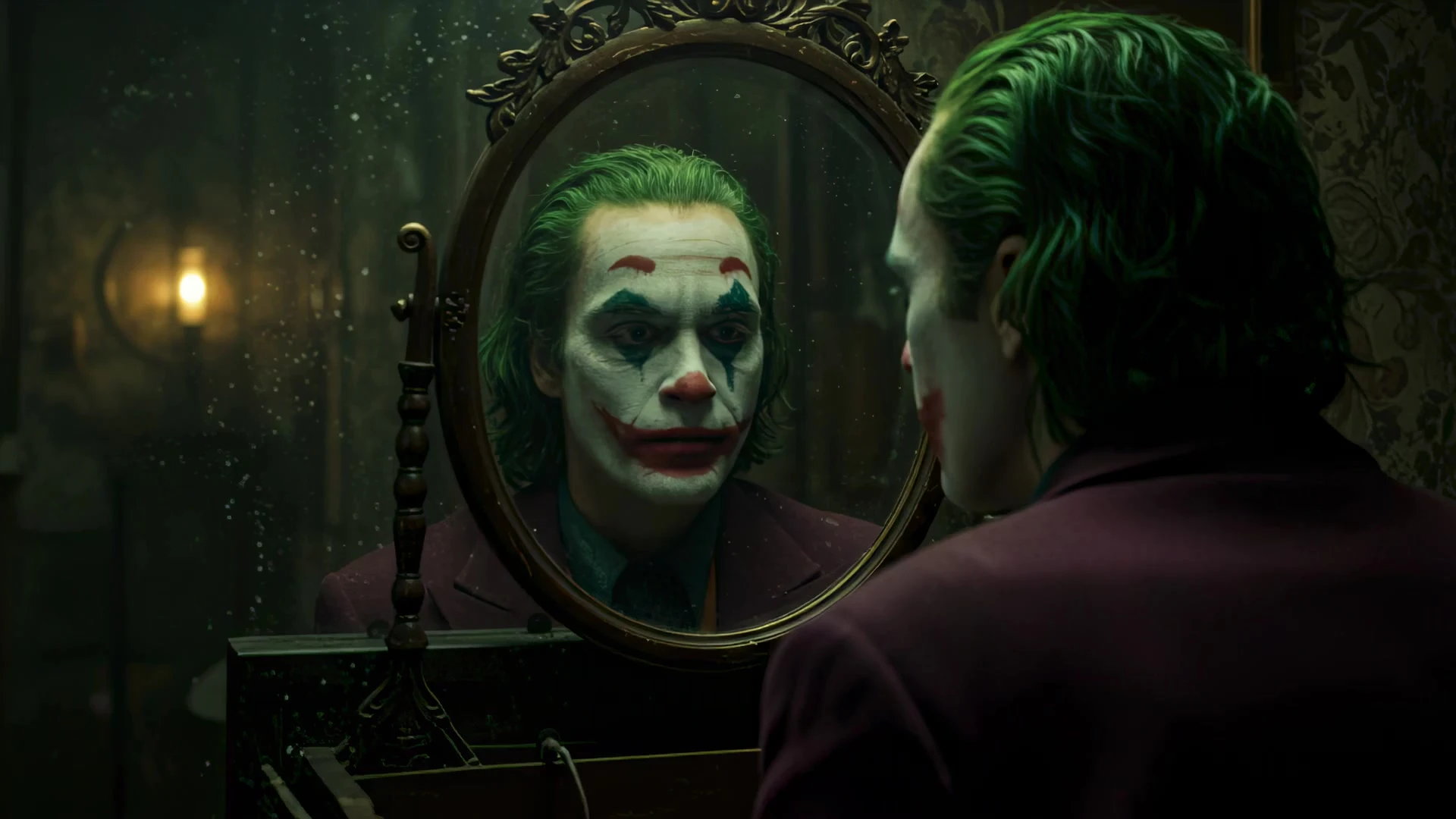
Turn Static Photos into High-Performing Video Ads
Convert creator selfies, UGC photos, and illustrations into eye-catching vertical videos optimized for TikTok, Instagram Reels, and YouTube Shorts in minutes with automatic voice & sound syncing.
Popular AI Video Effects & Creative Styles
Transform photos into viral AI effects, emotional hugs, realistic dances, cinematic animations, and trending visual styles in one click.
AI Hug Generator
Hailuo 2.1Bring separated loved ones together into a warm, natural embrace with emotional movement.
AI Kiss & Embrace
Kling 2.6Realistic romantic interaction video generated from two separate portrait images.
AI Dance & Pose
Vidu Q3Transfer viral TikTok choreography to any still full-body portrait image.
Studio Ghibli AI
Wan 2.2Lush hand-painted animation style with soft sunlight, billowing clouds, and gentle wind.
Product 3D Orbital Spin
Luma 3DSeamless 360-degree rotation with glossy reflections for footwear, jewelry, and gadgets.
UGC Ad Creatives
Runway Gen-3Authentic talking-head style testimonials with natural gestures and synchronized audio.
Architectural Flythrough
Veo 3.1Smooth drone-like walkthroughs rendered directly from interior design and architectural photos.
AI Video Morphing
Kling TurboFluid shape and character transformations between any two images with optical flow.
How to Convert an Image to Video with AI in 3 Steps
Follow these simple steps to generate high-quality video from any photo in less than a minute.
Upload Your Image
Upload any photo, portrait, digital artwork, or graphic file. The image to video AI generator automatically analyzes the subject and background.
Select Model & Enter Motion Prompt
Pick your preferred foundation model (Kling 2.6, Hailuo, Vidu) and type a text description of the camera angle, motion, or character action you want.
Preview & Export Video
Click generate to render your video. Preview the result with generated audio, and download in 1080p or 4K with complete commercial ownership.
Trusted by Over 10 Million Creators Worldwide
“Using this image to video AI platform cut our creative turnaround time in half. We can test multiple camera angles and visual styles for social ads without booking a studio shoot.”
“The consistency of faces and backgrounds is impressive. Uploading concept art and getting natural motion without facial distortion has made storyboarding much faster.”
“Having synchronized sound effects generated alongside video clips saves a ton of post-production editing. The results are ready to publish directly to social channels.”
Frequently Asked Questions
Find clear answers about how image to video AI works, supported formats, pricing, and commercial usage.
An image to video AI generator is a web-based tool that converts still pictures—such as photos, portraits, artwork, or product shots—into moving videos. Using deep learning models, it analyzes visual elements and predicts natural motion, camera pans, lighting shifts, and character expressions based on your text prompt.
Start Creating with Image to Video AI
Join millions of creators and businesses making high-definition videos from images in seconds. No credit card required.
Unlock limitless creativity with a cutting-edge
AI tool designed for innovation and growth | VideoPlus.AI